Copyright © 2016 Frontier Communications. All Rights Reserved.
PORT FORWARDING AND PORT TRIGGERING
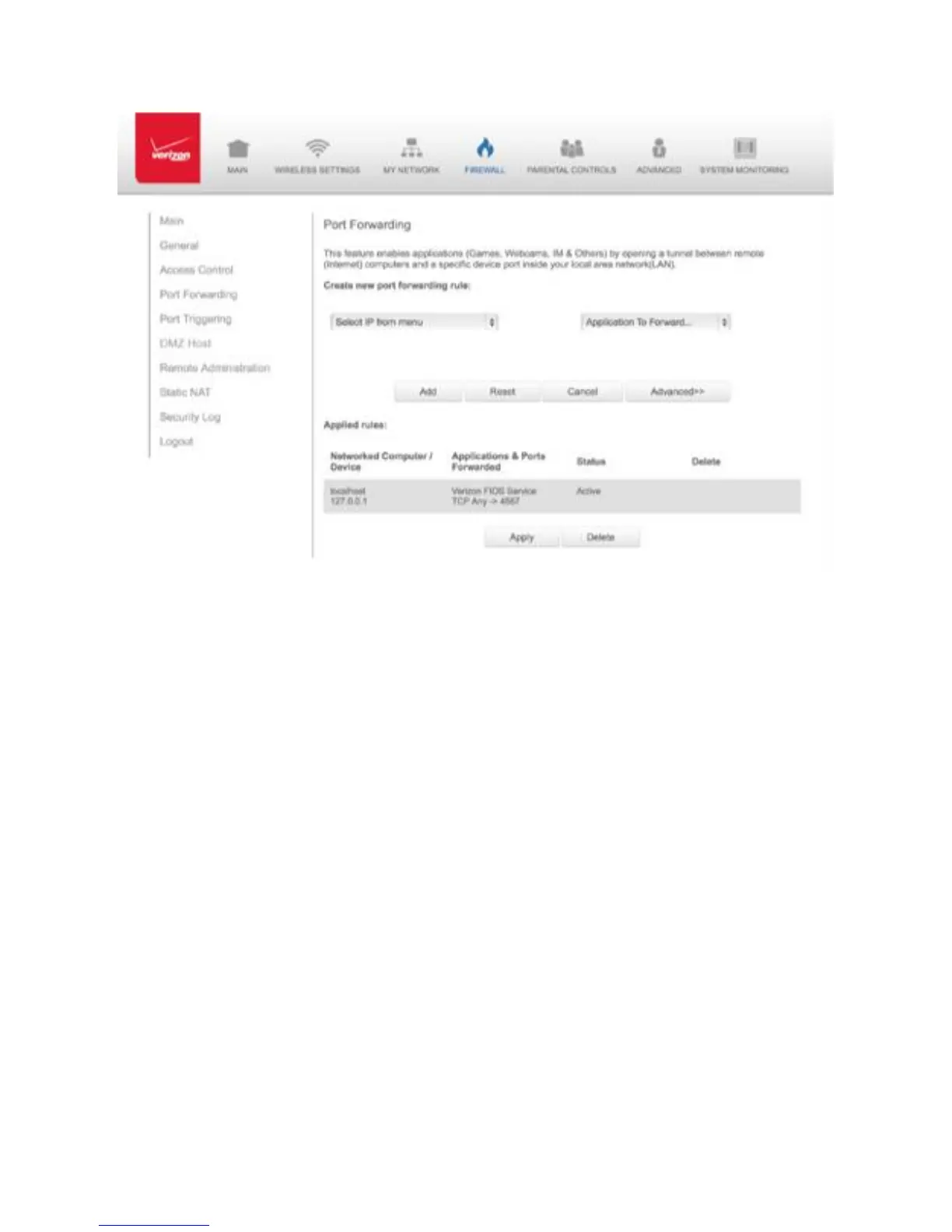
2. To create a new rule, select the IP address in the Select IP from Menu
drop down.
3. Select the application in the Application to Forward drop down.
4. Click Add. The rule displays in the Applied Rules section.
5. Click Apply to save changes.
6.2a/ ADVANCED PORT FORWARDING RULES You can configure
advanced port forwarding rules. To configure the rules:
1. In the Port Forwarding page, select Advanced.



 To Next Page