Copyright © 2016 Frontier Communications. All Rights Reserved.
2.0/ SETTING UP YOUR GATEWAY
There are three basic steps to setting up your Gateway:
Step1: Connect your Gateway to the Internet
Step 2: Connect your network device to your Gateway
Step 3: Configure your Gateway
Before you begin, if you are replacing an existing Gateway, disconnect
it. Remove all old Gateway components, including the power supply.
They will not work with your new Gateway.
2.0a/ STEP 1 - CONNECT YOUR GATEWAY
1. Remove your Gateway, Ethernet cables, and power adapter from the
box.
2. Locate your high-speed Internet (WAN) outlet. This would be the wall
jack installed previously by Frontier. Note the type of jack may be
either Ethernet or coaxial.
3. Connect your Gateway to the Internet (WAN).
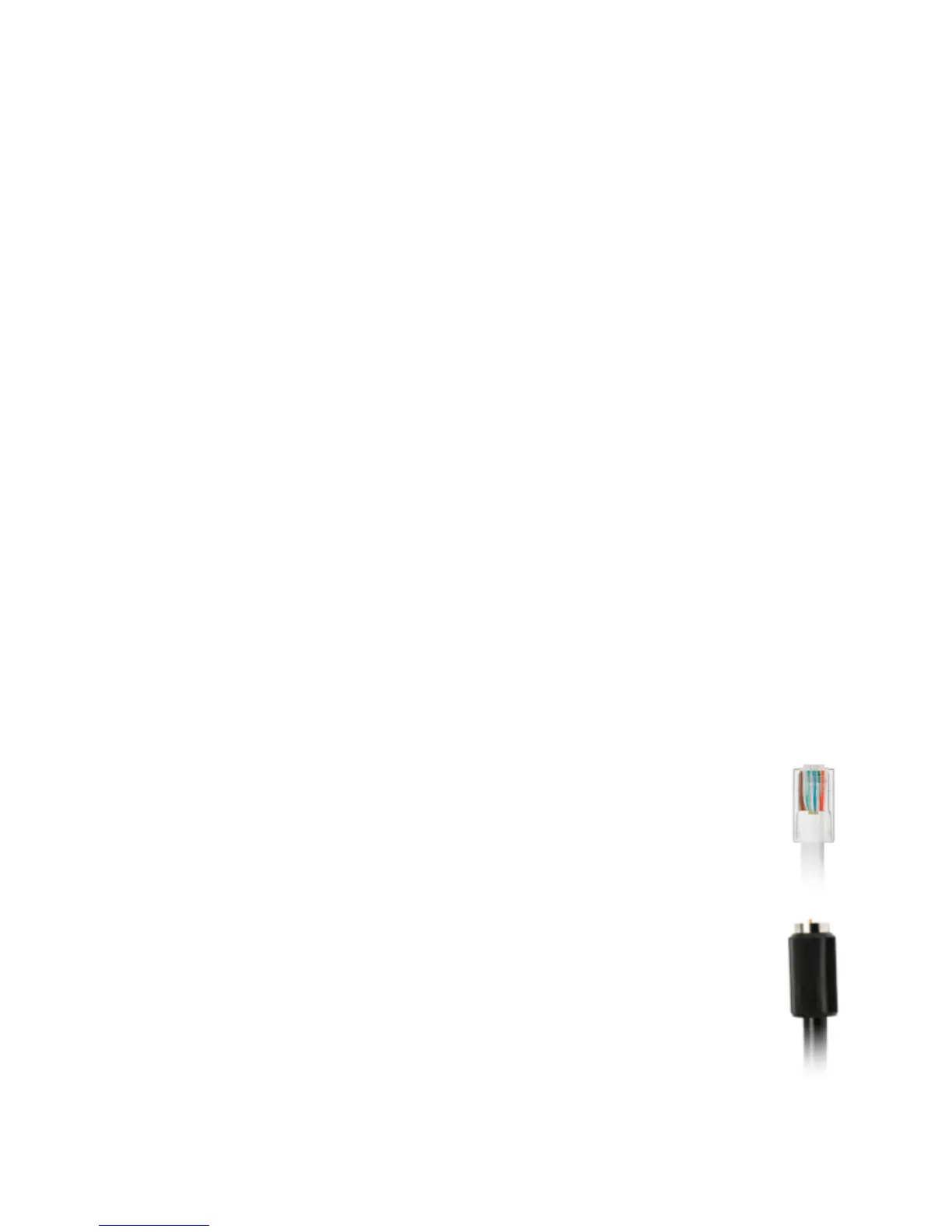
• If connecting the WAN using Ethernet, use the supplied white
Ethernet cable and plug one end into the white Ethernet WAN
port on the back of your Gateway. Plug the other end of the
cable into the high-speed Ethernet wall jack.
• If connecting the WAN using coaxial cable, locate a coaxial
cable and connect one end to the coax port on the back of your
Gateway. Connect the other end of the coaxial cable to a coax
wall jack.
Tighten the coaxial cables by hand until snug. The cables should



 To Next Page