Copyright © 2016 Frontier Communications. All Rights Reserved.
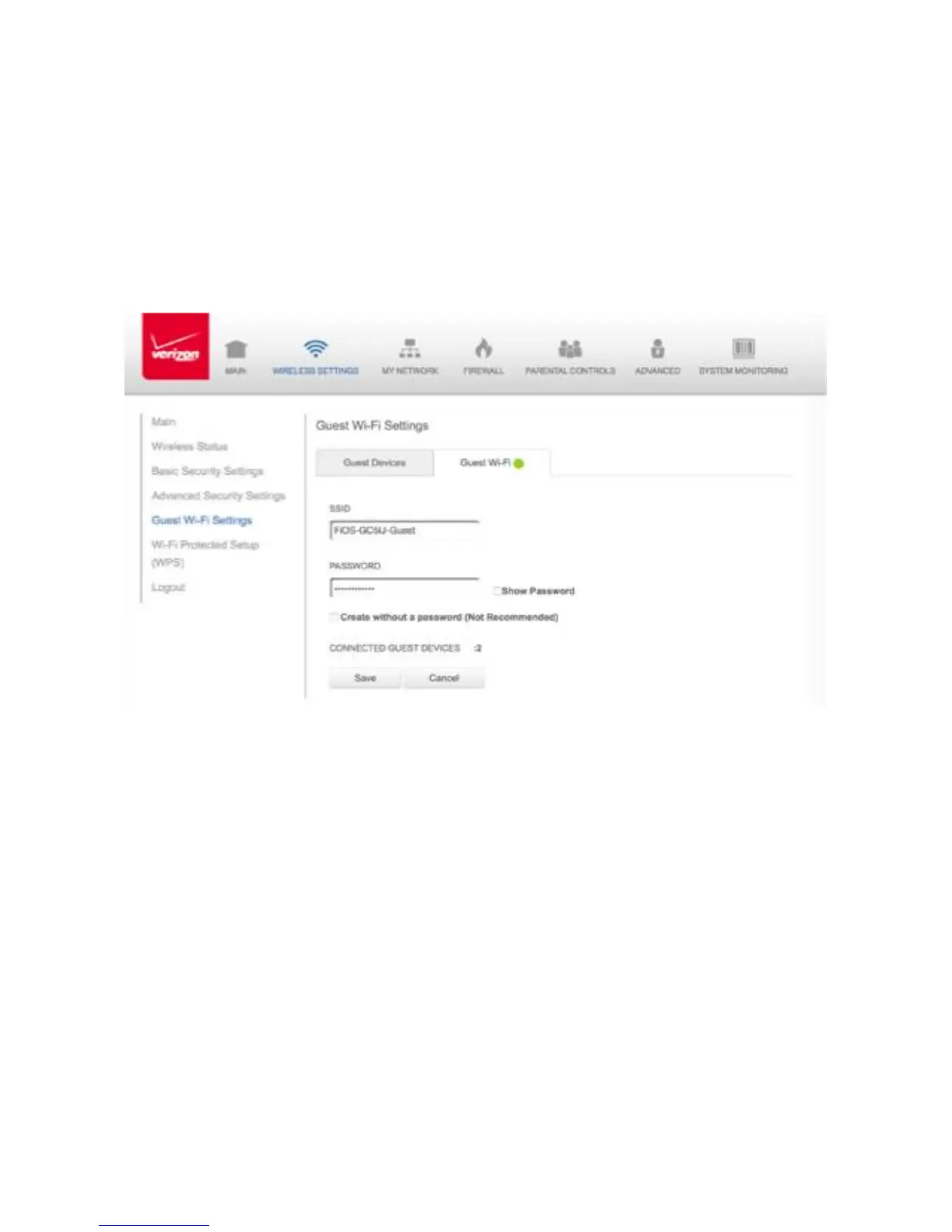
The Gateway is shipped from the factory with Guest Wi-Fi turned off.
The default SSID for Guest Wi-Fi is preconfigured at the factory to the
default wireless network name (ESSID) which is displayed on a sticker
located at the side of the router followed by hyphen guest (-Guest). For
example – if the router is shipped with a default SSID of “FiOS-ABCDE”
then the default SSID for Guest Wi-Fi is “FiOS-ABCDE-Guest”.
1. From the Main menu, select Wireless Settings, then select Guest Wi-Fi
Settings
2. Select the Guest Wi-Fi tab
3. Press the Edit button and enter a valid SSID and password
4. Press Save to save changes
3.7a/ GUEST WI-FI To enable Guest Wi-Fi:
Toggle the Guest Wi-Fi button to ON



 To Next Page