Copyright © 2016 Frontier Communications. All Rights Reserved.
SETTING UP YOUR GATEWAY AND COMPUTER
NETWORK CONFIGURATION
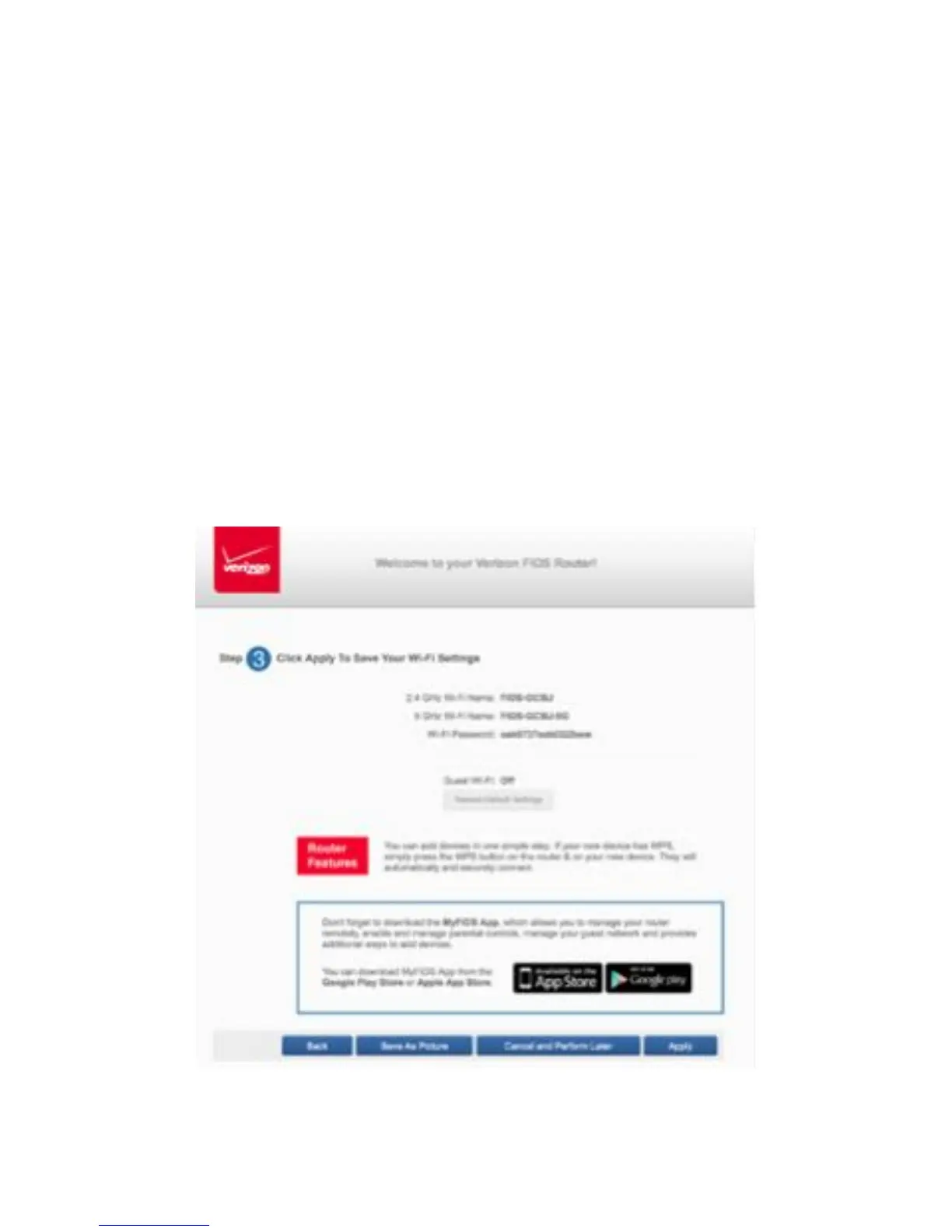
5. Click Continue. The Apply to Save Your Wi-Fi Settings screen appears.
You have an option of saving the Wi-Fi settingsas an image on your
device by clicking the Save as Picture button. After you click Save as
Picture to save your Wi-Fi settings as an image, click Apply to save the
Wi-Fi changes to your Gateway.
Important: If you are on a Wi-Fi device when setting up your Gateway, you
will be disconnected from the Wi-Fi network when you change the Wi-Fi
name or Wi-Fi password. When this occurs, your Gateway will detect this
situation and prompt you to reconnect using the new settings.



 To Next Page