Copyright © 2016 Frontier Communications. All Rights Reserved.
– Automatic - sets the MTU at 1500
– Automatic by DHCP - sets the MTU according to the
DHCP connection
– Manual - allows you to manually set the MTU
• Internet Protocol - in the internet protocol section, specify one of the
following
– Use the Following IP Address - the network connection uses a
permanent or static IP address and subnet mask address, provided by
an experienced network technician.
BRIDGE
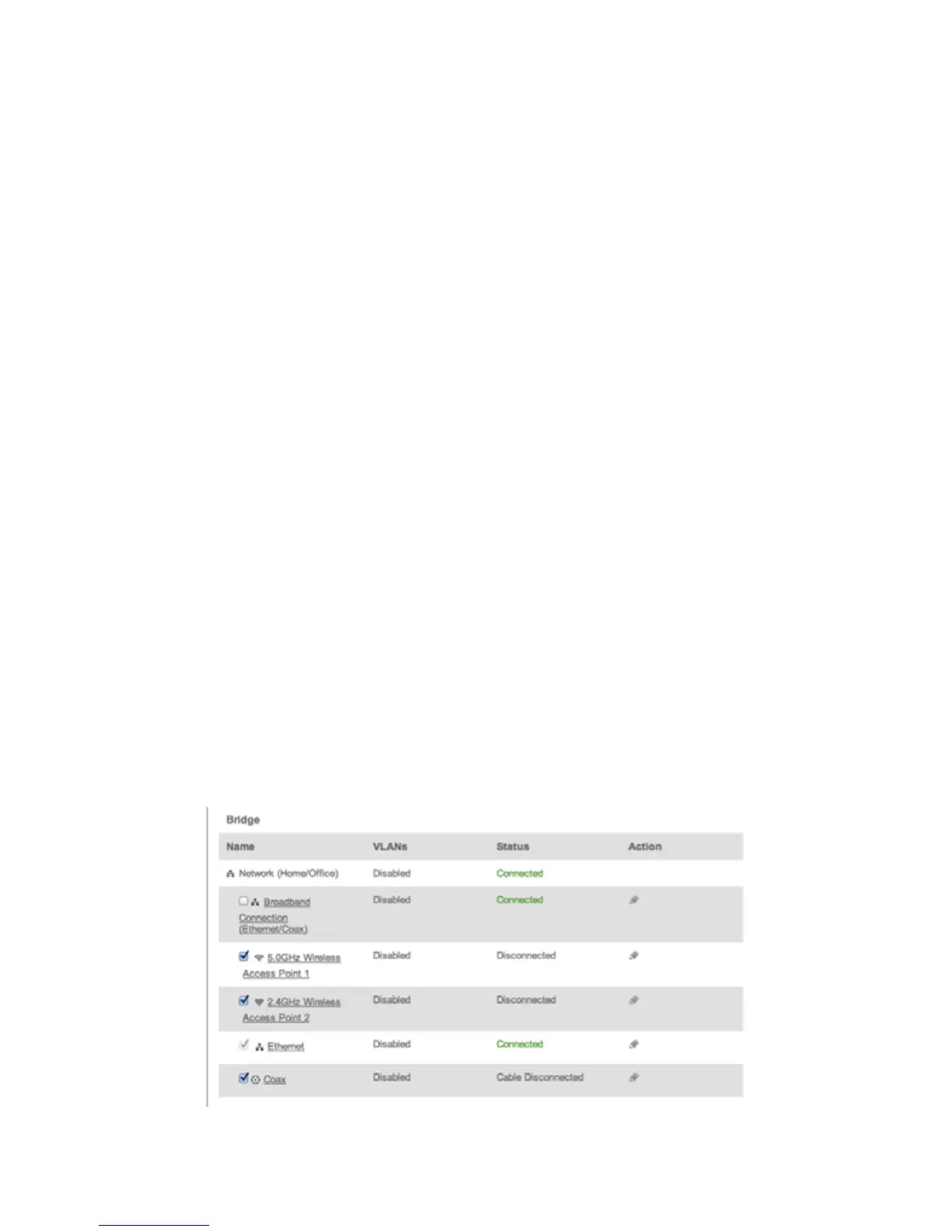
In the Bridge section of the Configure Network (Home/Office), you can
configure the various LAN interfaces. By default, the Ethernet, Coax,
and Wireless Access Point connections are included in the ‘Network
(Home/Office)’ bridge.
Caution: Do not change these settings unless specifically instructed to by
Frontier. Changes could adversely affect the operation of your Gateway and
your local network.



 To Next Page