Copyright © 2016 Frontier Communications. All Rights Reserved.
Verify the following information:
• Status – displays the connection status of a specific network
connection.
• Action – contains an icon that, when clicked, generates the next
lower-level configuration page for the specific network
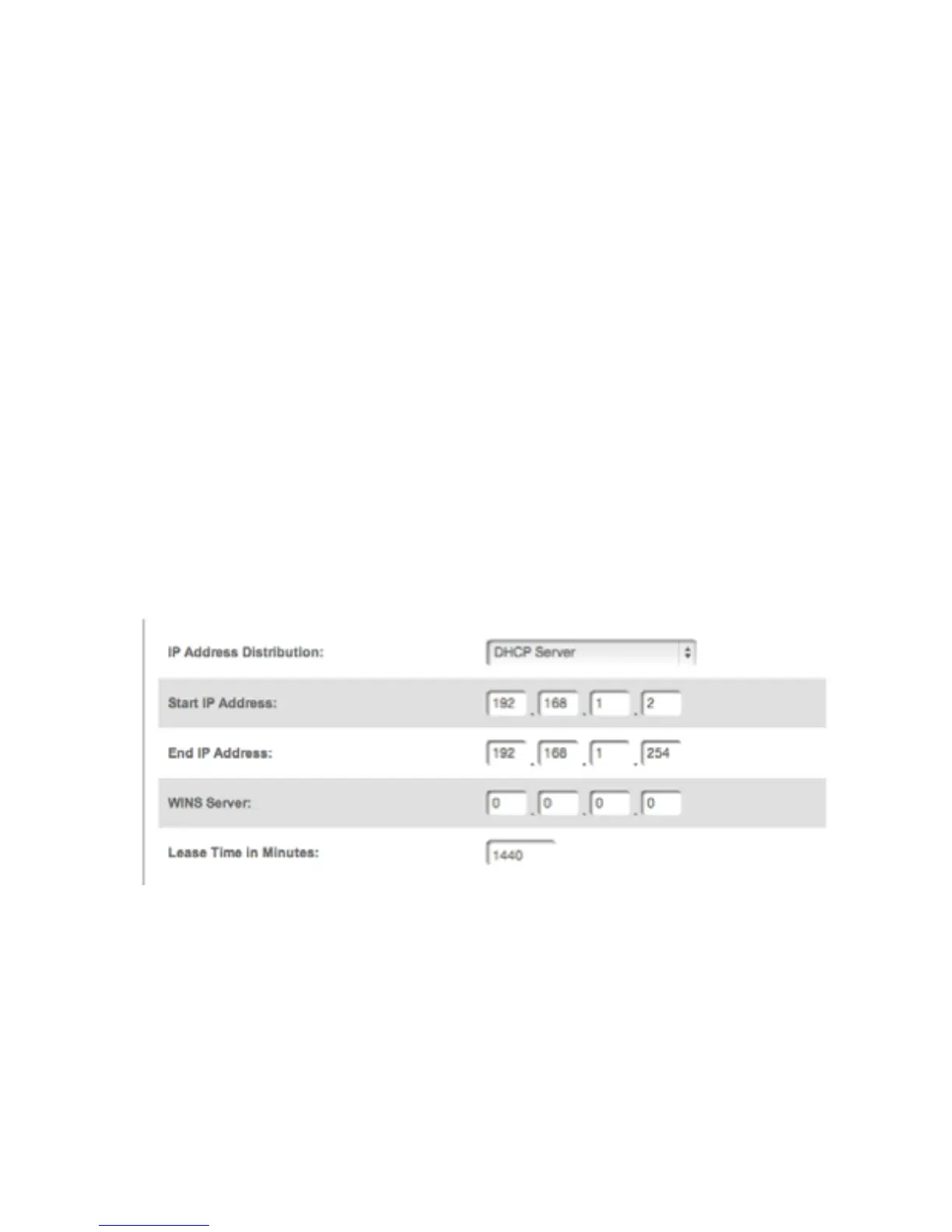
connection or network device. IP ADDRESS DISTRIBUTION The
IP Address Distribution section of the Properties settings is used
to configure your Gateway’s Dynamic Host Configuration Protocol
(DHCP) server parameters.
NETWORK (HOME/OFFICE) CONNECTION
Once enabled and configured, the DHCP server automatically assigns IP
addresses to any network devices which are set to obtain their IP
address dynamically.
If DHCP Server is enabled on your Gateway, configure the network
devices as DHCP Clients. There are 2 basic options in this section:



 To Next Page