Copyright © 2016 Frontier Communications. All Rights Reserved.
ACCESS CONTROL AND PORT FORWARDING
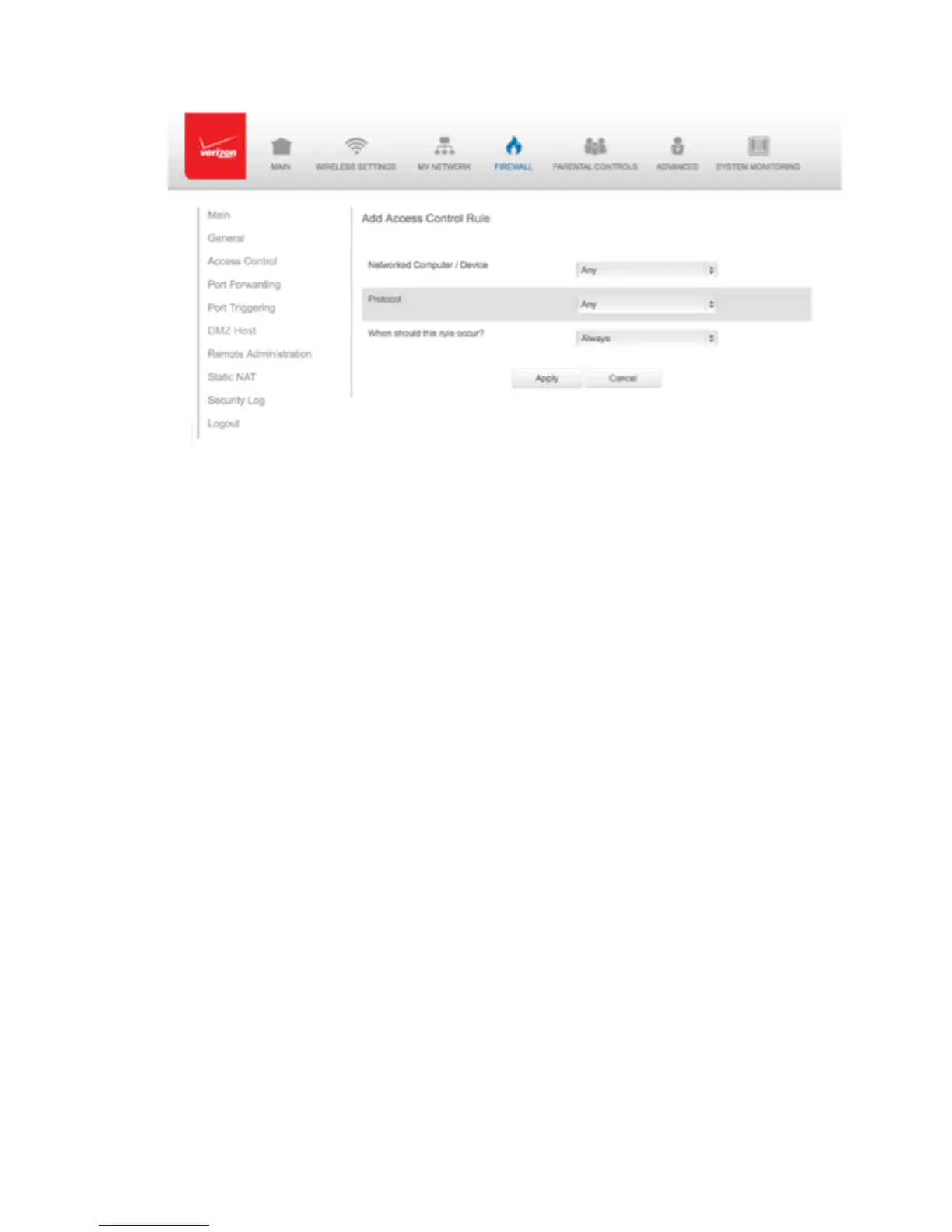
3. To apply the rule to:
• All networked devices - select Any.
• Specific devices only - select User Defined, then click Add and
create a network object.
4. In the Protocol field, select the Internet protocol to be allowed or
blocked. If the service is not included in the list, select User
Defined. The Edit Service page displays. Define the service, then
click OK. The service is automatically added to the Add Access
Control Rule section.
5. Specify when the rule is active as Always or User Defined and click
Add to create the schedule.
6. Click Apply to save changes. The Access Control page displays a
summary of the new access control rule.



 To Next Page