Copyright © 2016 Frontier Communications. All Rights Reserved.
2. To rename the network connection, enter the new name in the Name
field.
3. Click Apply to save changes.
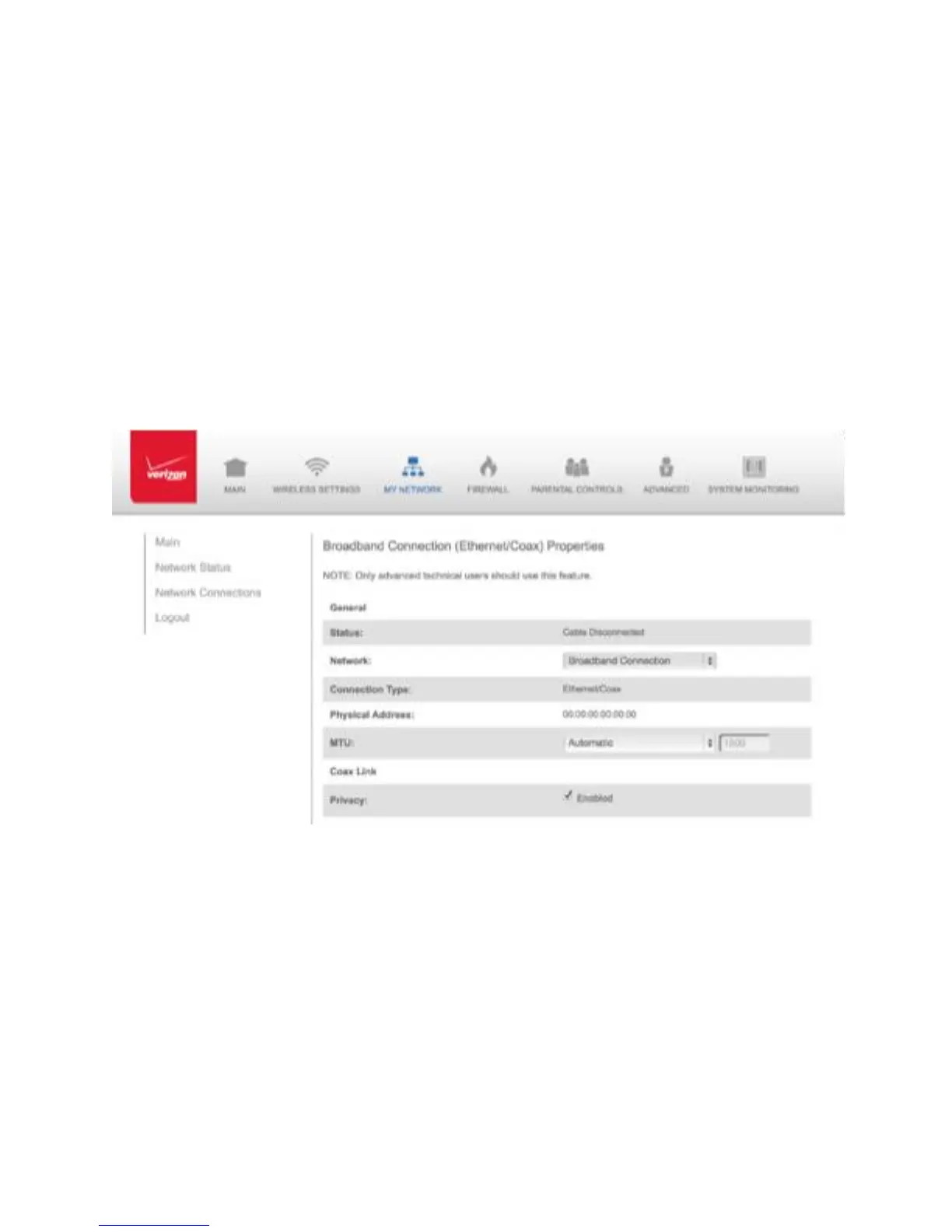
5.4a/ CONFIGURING THE ETHERNET/COAX CONNECTION To
configure the connection:
1. In the Broadband Connection (Ethernet/Coax) Properties page, click
Settings. The configuration page displays.
2. Configure the following settings, as needed.
GENERAL
Verify the following information:
• Status - displays the connection status of the network
• Network – displays the type of network connection



 To Next Page