Copyright © 2016 Frontier Communications. All Rights Reserved.
WIRELESS MAC AUTHENTICATION
6. To remove a specific device’s MAC address, click the Remove button
next to the specific MAC address.
7. When all changes are complete, click Apply to save changes.
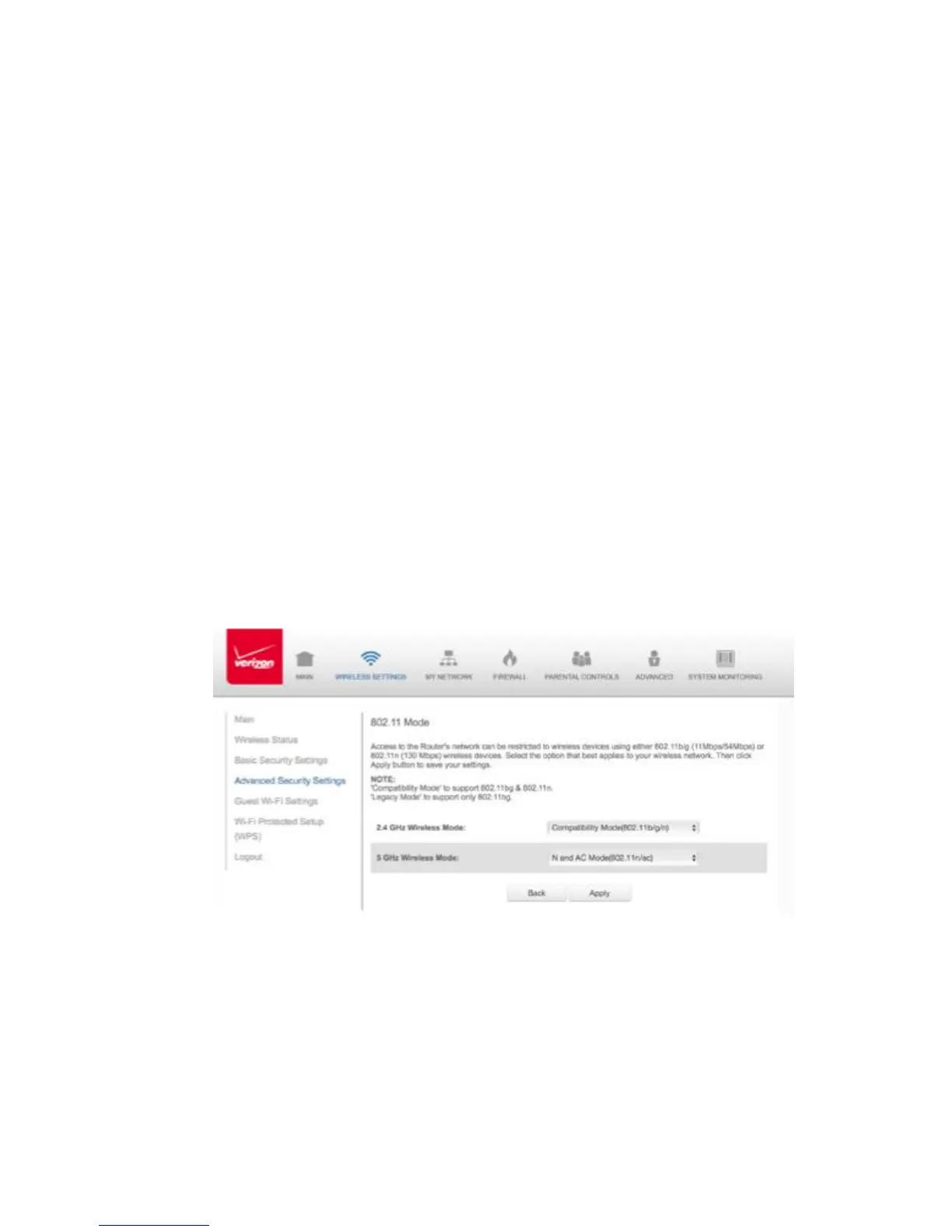
3.5/ 802.11 MODE
From the 802.11 Mode page, you can limit the wireless access to your
network by selecting the 2.4 GHz and 5 GHz wireless communication
standard (mode) best suited or compatible with the devices you allow
access to your wireless network.
Enter the MAC address of a device, then click Add.
Repeat step 2 to add additional devices, as needed.
802.11 MODE
To select the 802.11 Mode:



 To Next Page