Copyright © 2016 Frontier Communications. All Rights Reserved.
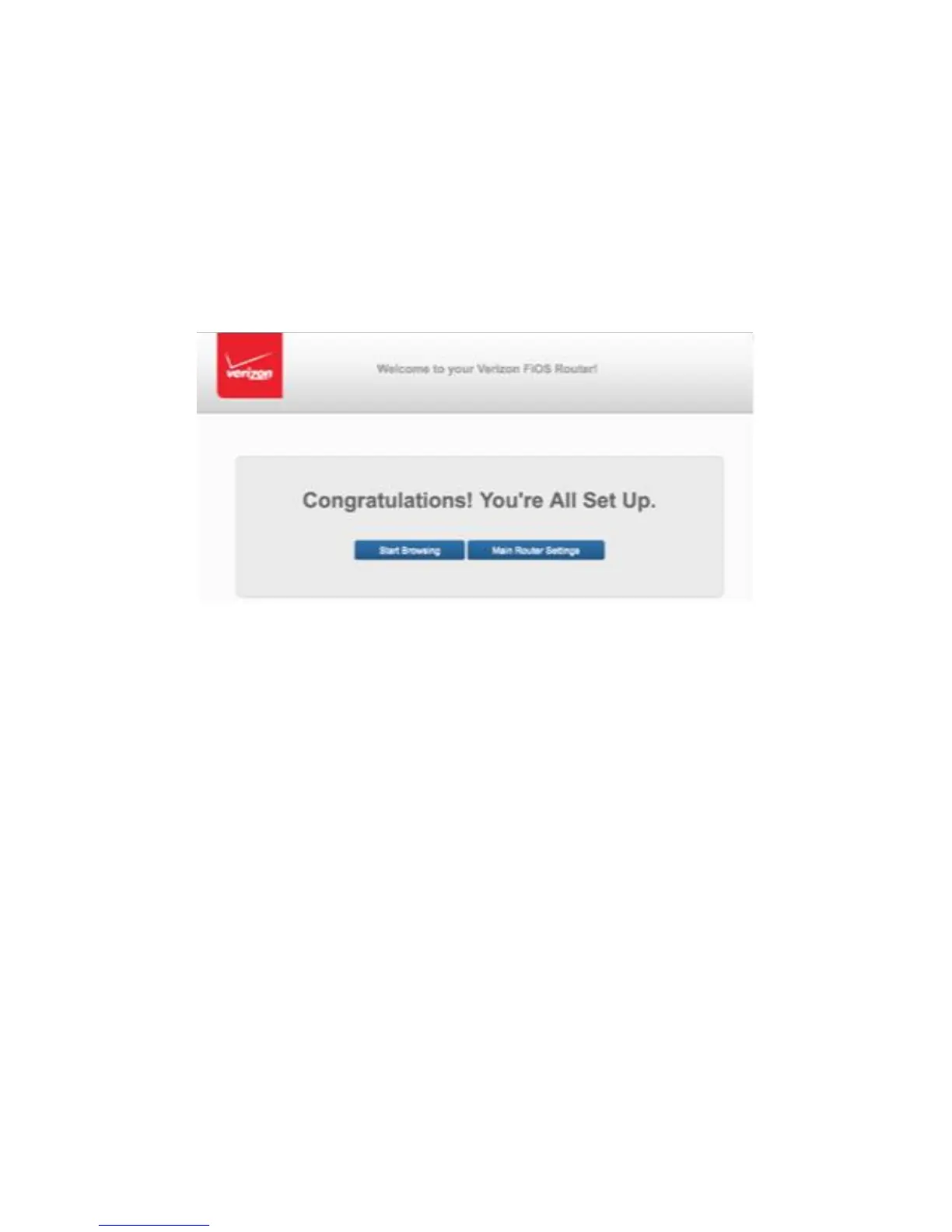
Congratulations!
You’re All Set Up screen displays once your Gateway verifies the final
settings and has successfully connected to the Internet and is ready for
use. You can click on Main Router Settings to access the Main screen of
the Gateway or click on Start Browsing and you will be directed to the V
website.
If your Gateway is subsequently reset to the factory default settings,
the settings printed on the label will again be in effect.
If your Gateway fails to connect, follow the troubleshooting steps in the
Troubleshooting section of this guide.
2.1/ COMPUTER NETWORK CONFIGURATION
Each network interface on your computer should either automatically
obtain an IP address from the upstream Network DHCP server (default
configuration) or be manually configured with a statically defined IP
address and DNS address. We recommend leaving this setting as is.
COMPUTER NETWORK CONFIGURATION
2.1a/ CONFIGURING DYNAMIC IP ADDRESSING To configure a



 To Next Page