Copyright © 2016 Frontier Communications. All Rights Reserved.
ACCESSING NETWORK CONNECTIONS
Caution: The settings described in this chapter should only be configured by
experienced network technicians. Changes could adversely affect the
operation of your Gateway and your local network.
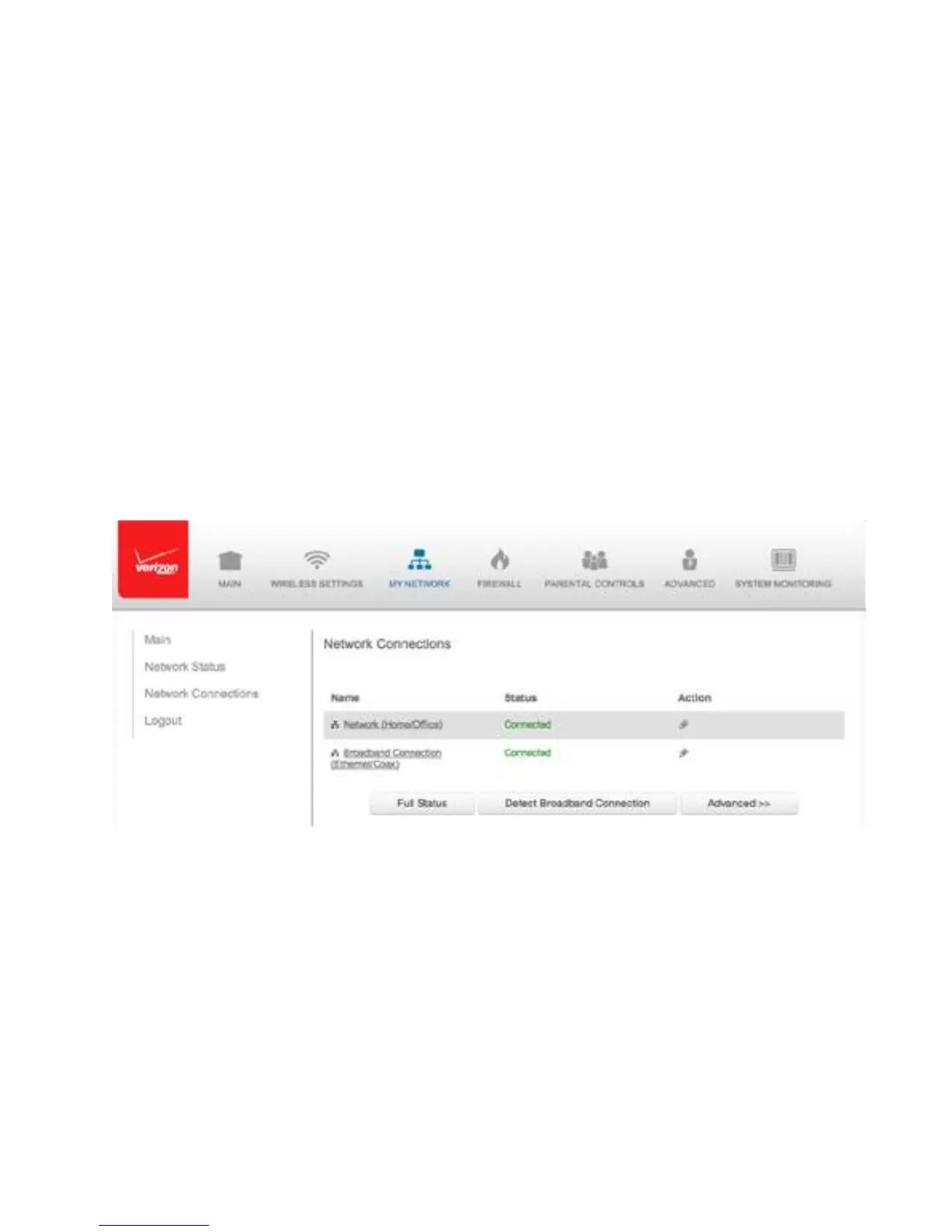
5.0/ ACCESSING NETWORK CONNECTIONSYou can access
your network connections and view the connections by
connection type.
To access the network connections:
1. Select My Network, then select Network Connections.
2. To display all connection entries, click the Advanced button.



 To Next Page