Copyright © 2016 Frontier Communications. All Rights Reserved.
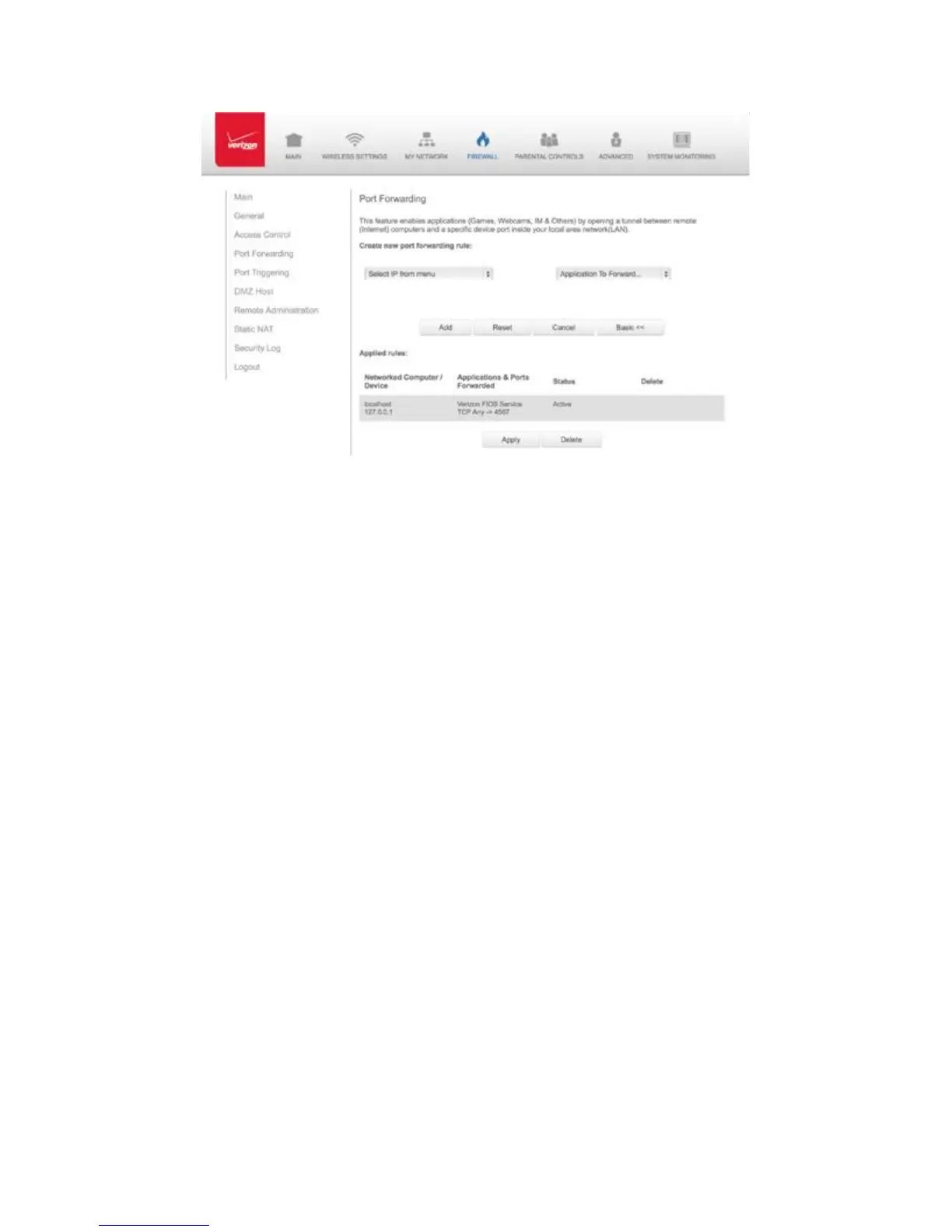
2. If needed, to select a port to forward communication to, select an
option in the Forward to Port list box.
3. If a single port or range of ports is selected, a text box displays. Enter
the port numbers.
4. To schedule the rule, select either Always or User Defined in the
Schedule list box.
5. Click Add. The rule displays in the Applied Rules section.
6. Click Apply to save changes.
6.3/ PORT TRIGGERING
Port triggering can be described as dynamic port forwarding. By setting
port triggering rules, inbound traffic arrives at a specific network host
using ports that are different than those used for outbound traffic. The
outbound traffic triggers the ports where the inbound traffic is
directed.



 To Next Page