Copyright © 2016 Frontier Communications. All Rights Reserved.
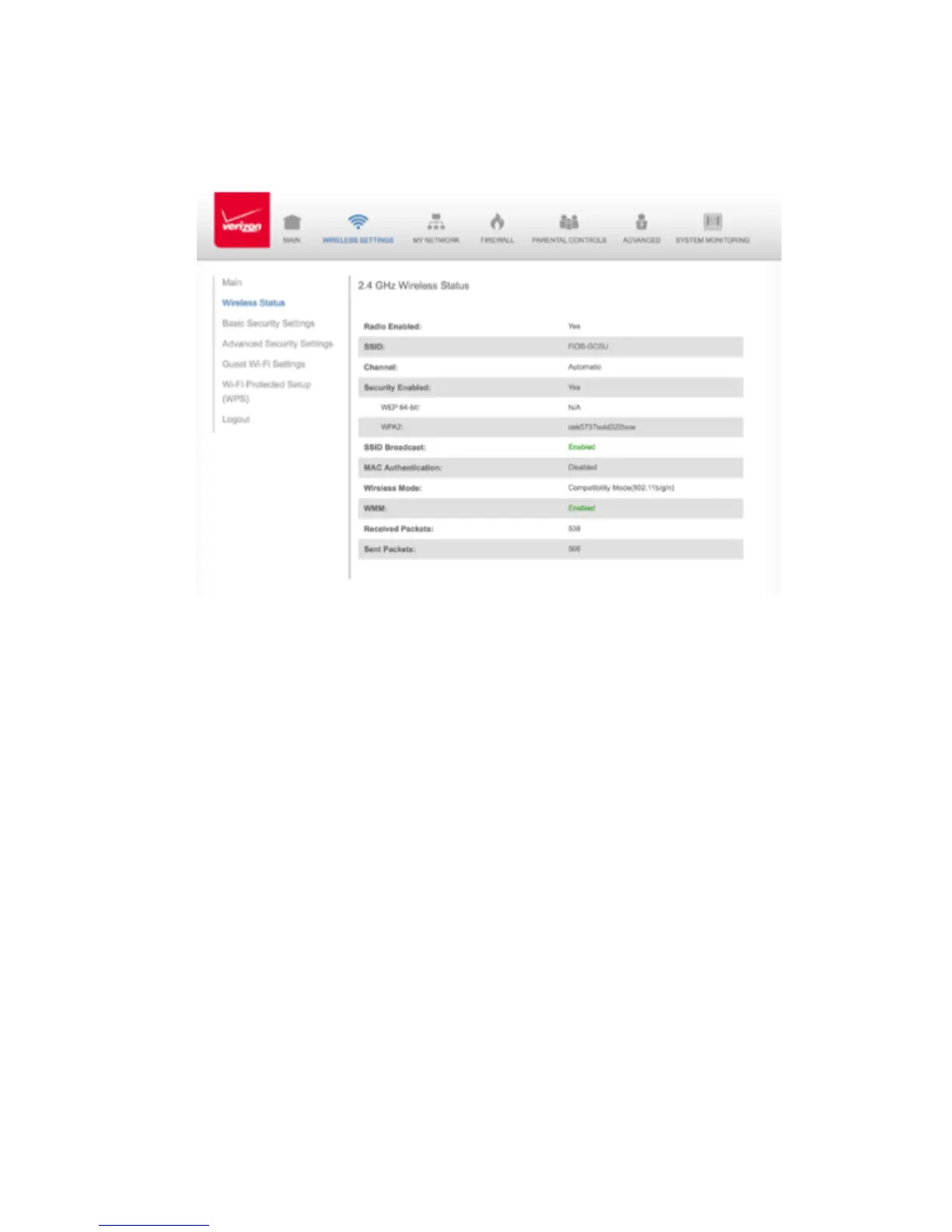
2. Select the Wireless Settings icon. The Wireless Status page
displays additional wireless details.
WIRELESS STATUS
3. On the Wireless Status page for either 2.4 GHz or 5 GHz, the following
information displays:
• Radio Enabled - displays whether the wireless radio is active. When
the radio is not enabled, no wireless devices will be able to
connect to the home network.
• SSID - displays the SSID (Service Set Identifier) shared among all
devices on a wireless network. The SSID is the network name. All
devices must use the same SSID.



 To Next Page