Copyright © 2016 Frontier Communications. All Rights Reserved.
3. In the Admin Password field, enter the password that is printed next
to the Administrator Password on the label on the side of your
Gateway.
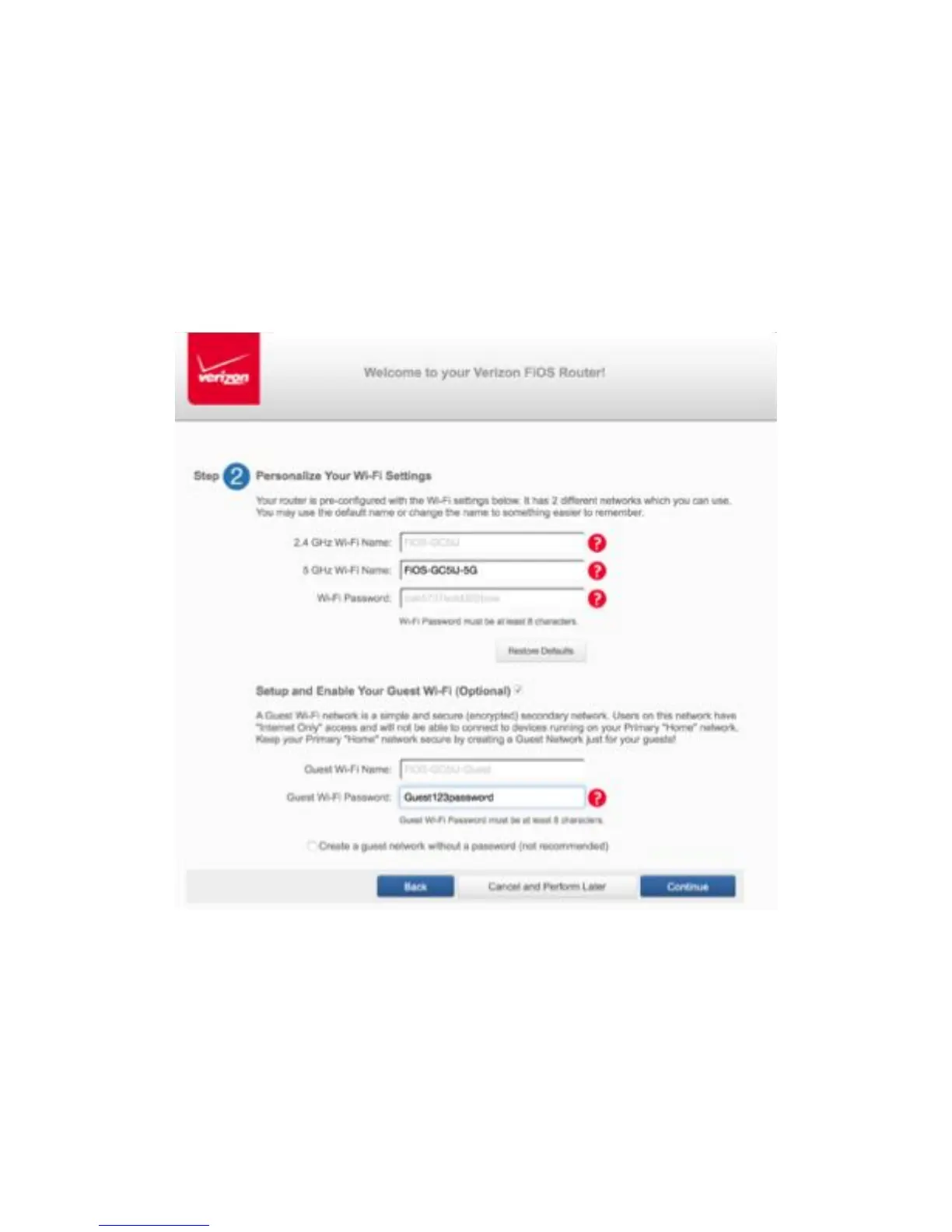
4. Click Next. The Personalize Your Wi-Fi Settings screen displays. Click
on the check box next to Setup your Guest Wi-Fi (Optional) to
personalize your Guest Wi-Fi Name and Password.
For your protection, your Gateway is pre-set at the factory to use
WPA2/WPA mixed mode (Wi-Fi Protected Access) encryption for your
wireless network. This is the best setting for most users and provides
maximum security.



 To Next Page