Copyright © 2016 Frontier Communications. All Rights Reserved.
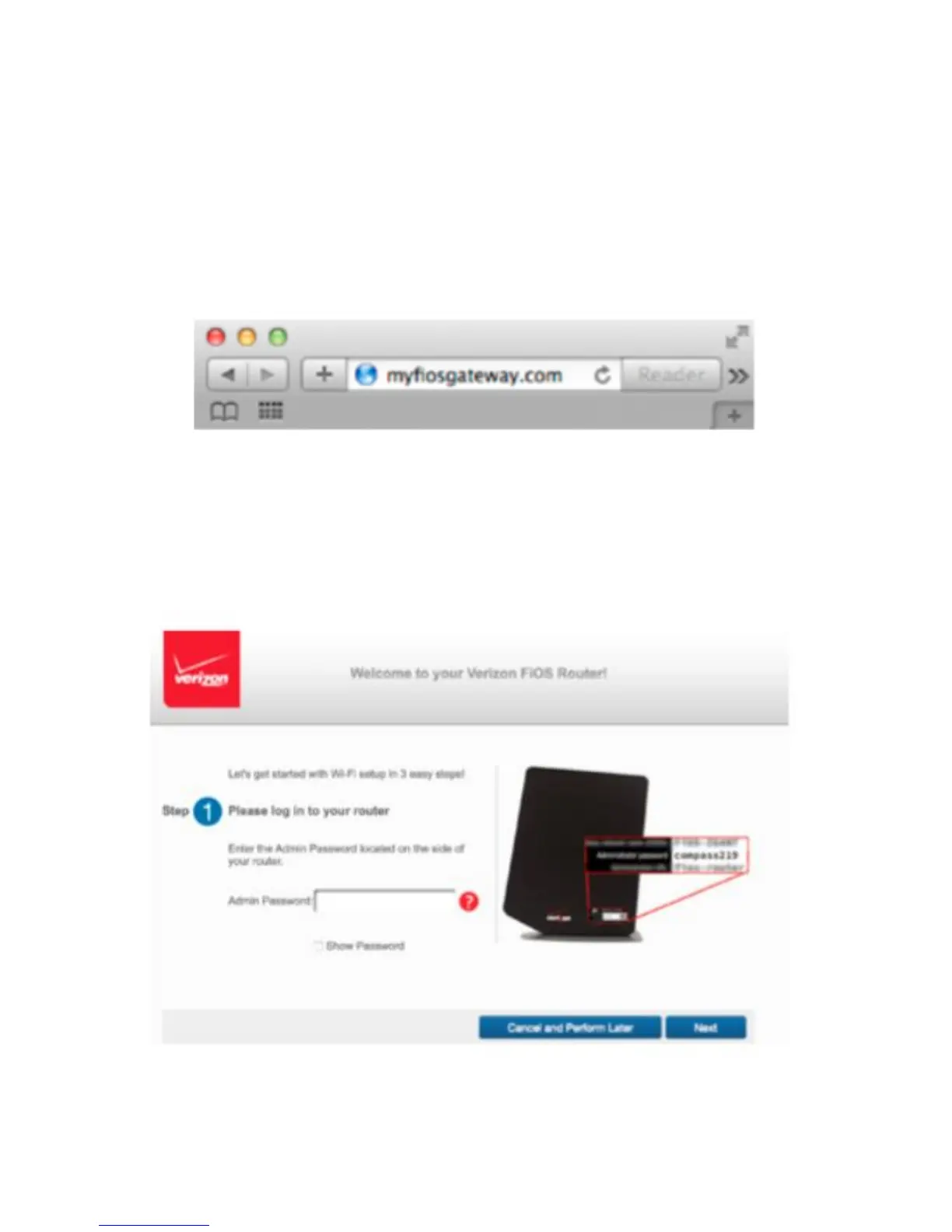
1. Open a web browser on the device connected to your Gateway
network.
2. In the browser address field (URL), enter: myfiosgateway.com, then
press the Enter key on your keyboard. Alternately, you can enter:
https://192.168.1.1
SETTING UP YOUR GATEWAY
The first time you access your Gateway, an Easy Setup Wizard displays
to help step you through the setup process.



 To Next Page