Copyright © 2016 Frontier Communications. All Rights Reserved.
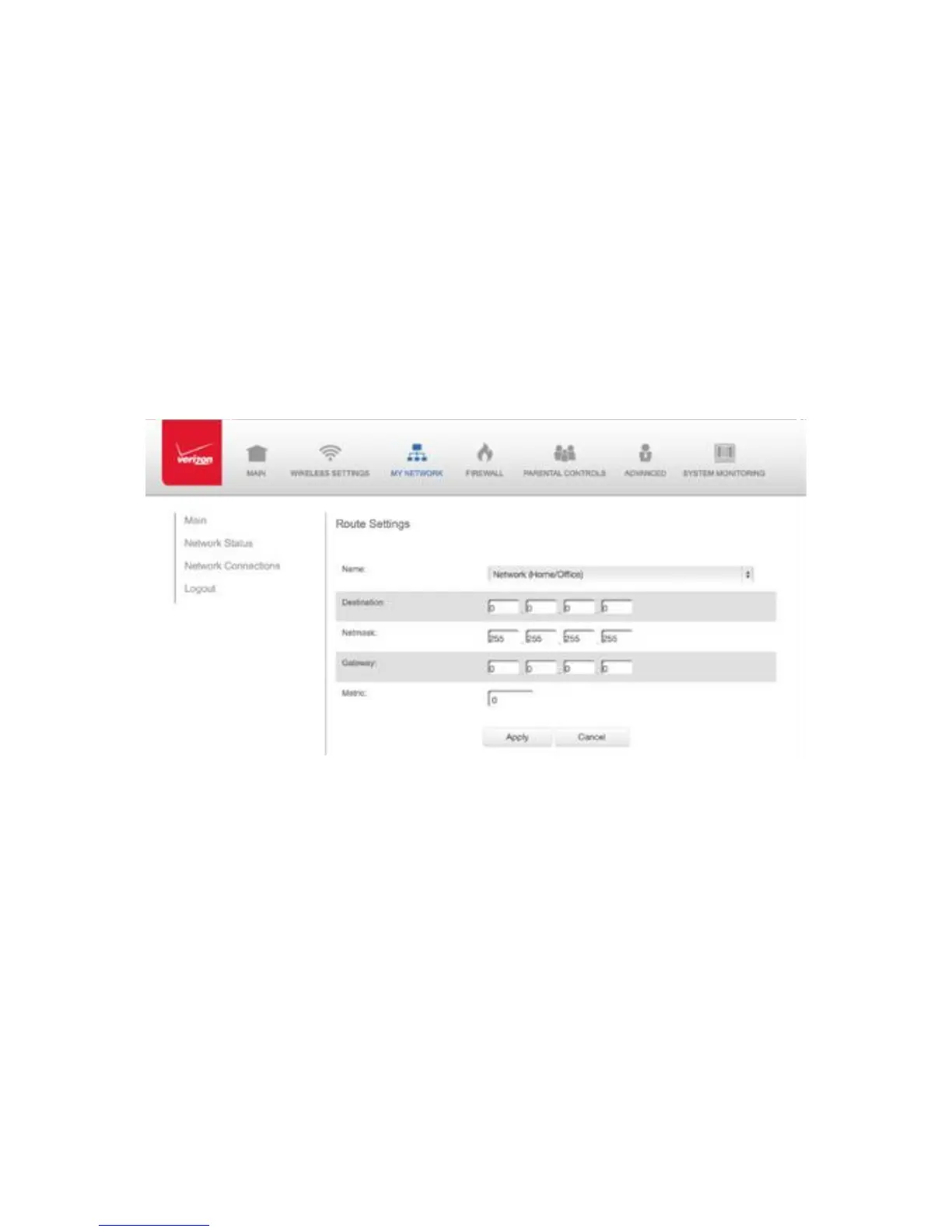
reachability and status of network being traveled. To configure
routing:
1. In the Routing Table section, click Add New Route to display and
modify the new route configuration page.
NETWORK (HOME/OFFICE) CONNECTION
COMPLETE NETWORK CONNECTION CONFIGURATION UPDATES To
save your changes click Apply.
5.2/ BROADBAND CONNECTION
You can view the properties of your broadband connection (your
connection to the Internet). This connection may be via either Ethernet
or Coaxial cable.
To view the connection settings:



 To Next Page