Copyright © 2016 Frontier Communications. All Rights Reserved.
connection
– Manual - allows you to manually set the MTU to be set.
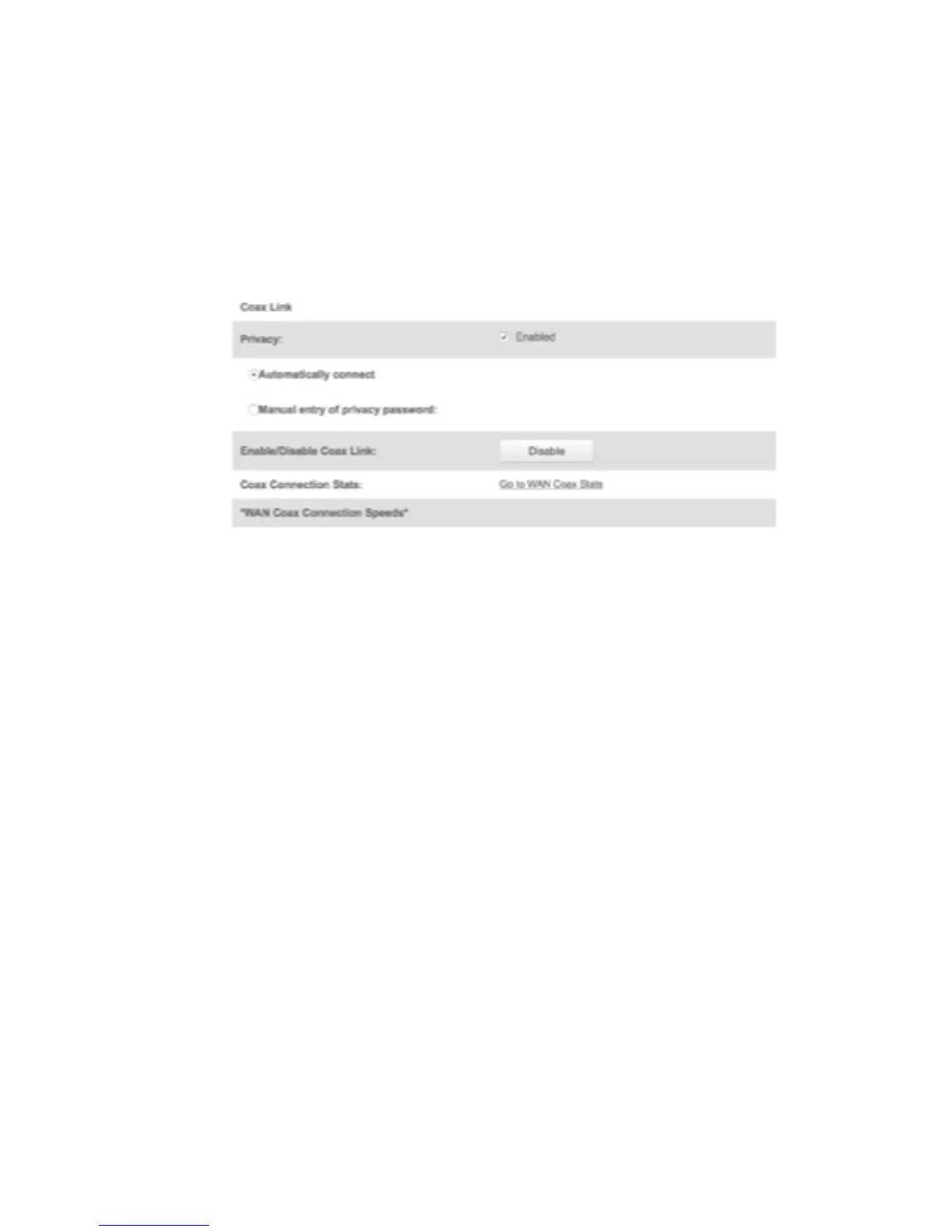
COAX LINK To set the Channel:
1. Select the coax link channel as 1 to 3.
2. Select the On or Off radio button in the Auto Detection field.
3. To set privacy, select the Enabled check box. This causes all devices
connected to the coaxial cable to use the same password. This is
recommended.
4. To set the password, enter the Coax Link password in the Password
field.
• MTU - specifies the largest packet size permitted for Internet
transmissions:
ETHERNET/COAX CONNECTION
5. To enable or disable the Coax link, click Disable or Enable.
6. To view the devices connected using the coaxial cable, click the Go to



 To Next Page