5 Check Mailbox
200
Check Mailbox
5
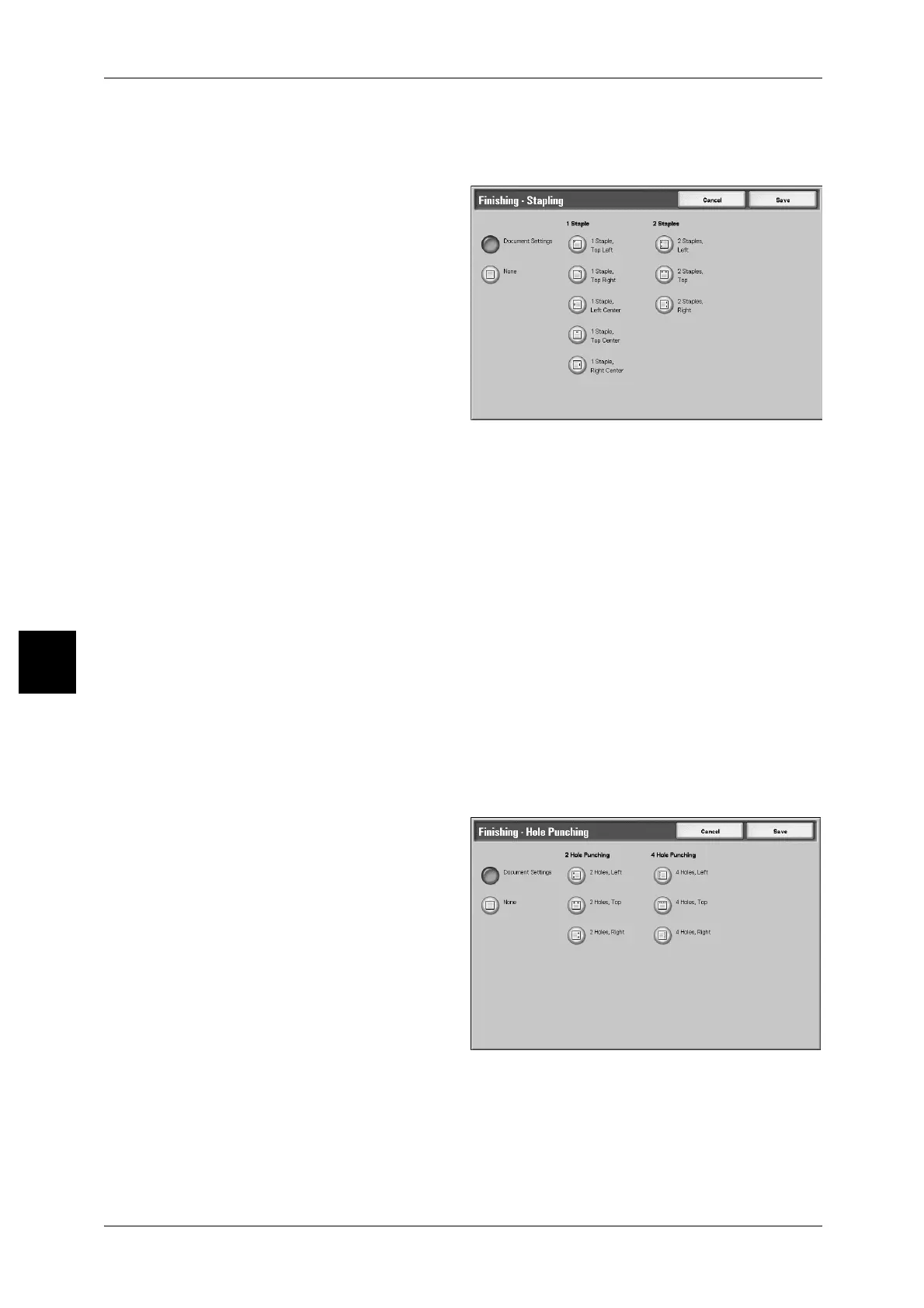
[Finishing - Stapling] Screen
You can select the stapling position which is not displayed on [Finishing - Stapling]
screen.
Document Settings
Holds settings at the time of document preservation.
None
Copies are not stapled.
1Staple
You can select one position for stapling.
2Staples
You can select two positions for stapling.
[Finishing - Hole Punching] Screen
You can select the punching position which is not displayed on [Finishing - Hole
Punching] screen.
Note • 3 positions for punching can be configured according to an optional feature. In this case, 2
and 4 positions for punching cannot be selected. For more information, contact your
Customer Support Center.
Document Settings
Holds settings at the time of document preservation.
Off
No punch.



 To Next Page
 Loading...







