6
fi-6010N Network Scanner Operator's Guide 361
6.8 Saving the Scanned Data in a SharePoint Folder
2. Press the [OK] button.
The "Scan to SharePoint" screen is shown again.
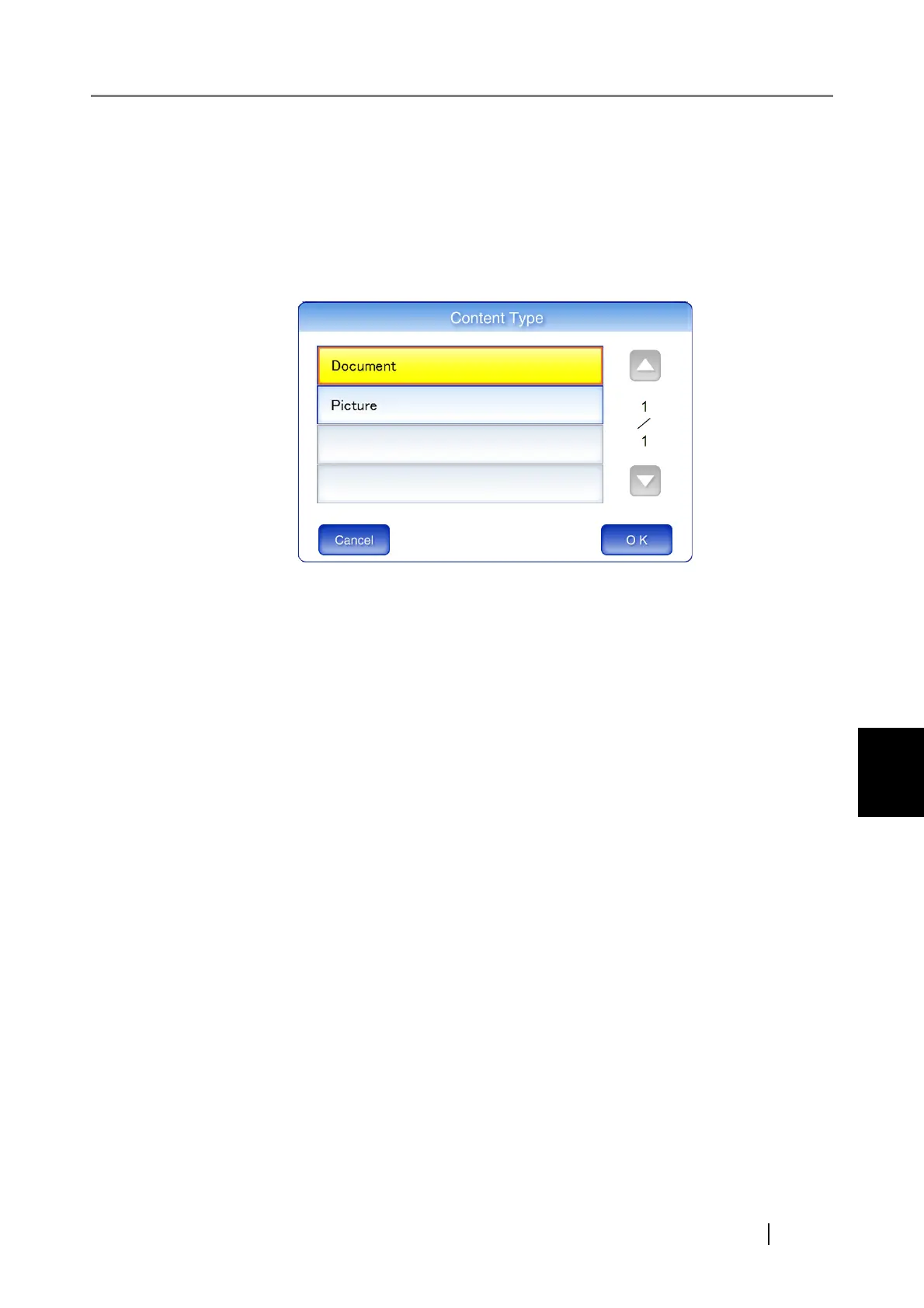
7. In "Content Type", set the content type for the scanned data to be managed on the
SharePoint server.
1. Press the [Select] button for the "Content Type" field.
A content type selection screen appears.
2. Select a content type, and press the [OK] button.
The selected content type is set.
According to the selected content type, a list of properties defined on the SharePoint
server is shown in the "Scan to SharePoint" screen.










 To Next Page