Chapter 7 Device Configuring Using EMS CAM Slot Management
© 2012 Harmonic Inc. 139 ProView 7000 v.2.6, Rev. E
3. Click OK.
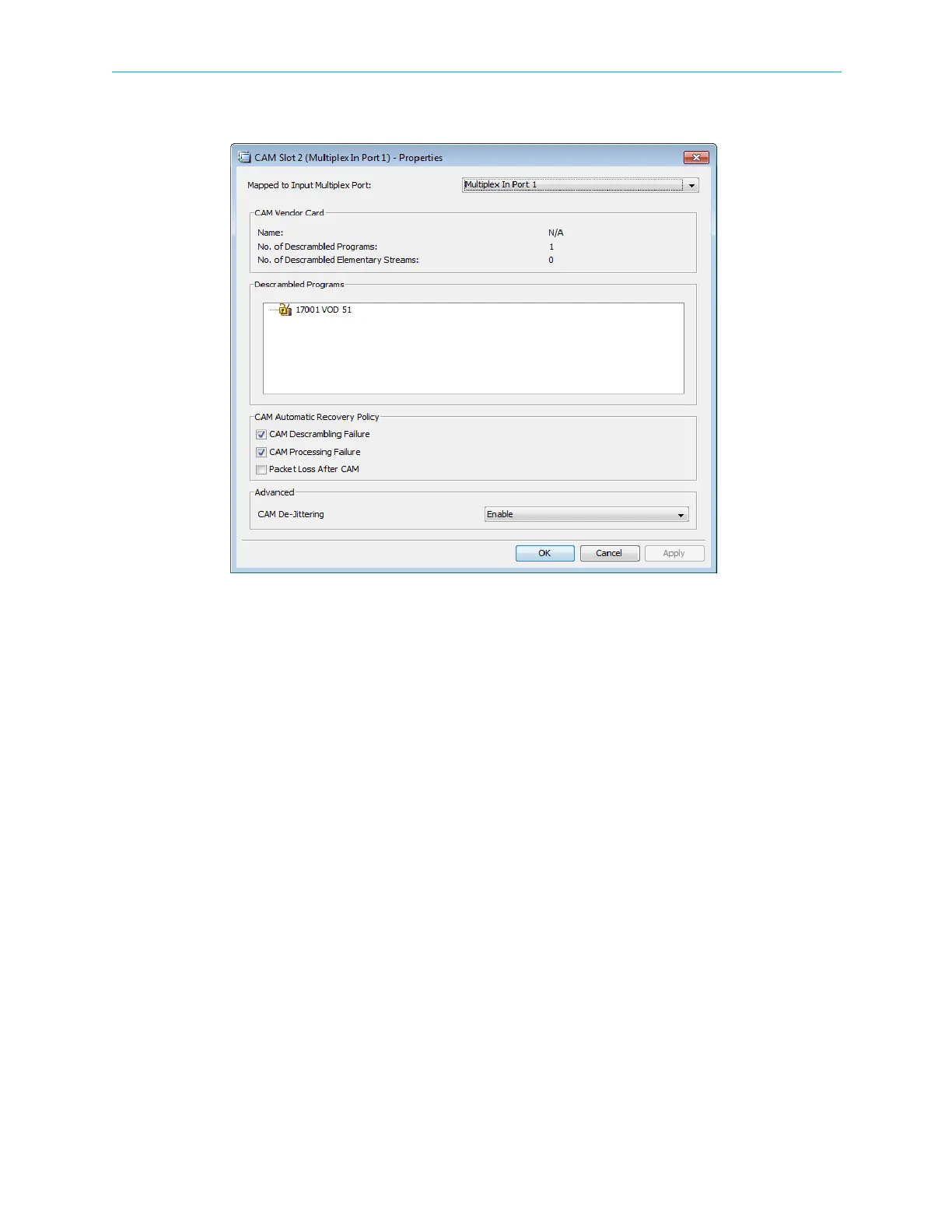
Figure 7–31: CAM Slot properties
4. To configure all ESs and all ECMs, select Full descrambling under Descrambling Mode.
In Selective ES Descrambling mode only ESs that are scrambled with a CAS ID supported
by the CAM, are descrambled.
Related Topics:
■ Descrambling a Cross Connected Program
■ Descrambling a Decoded Program
7.7.1 Descrambling a Cross Connected Program
To allocate a CAM slot to a scrambled cross-connected program:
1. Cross connect an input program to the output multiplex port (see 7.6.1.2 Program Cross
Connection).
Check the Descrambling with checkbox in the Dynamic Program Connection
Configuration dialog and select the CAM slot for the cross-connected program.
2. Click Create to confirm the program cross-connection.



 To Next Page