© 2012 Harmonic Inc. 167 ProView 7000 v.2.6, Rev. E
Chapter 8
Monitoring using EMS
Use the device icon, Alarms tab and Alarms History tabs to monitor ProView 7000™ devices.
Topics:
■ Device Communication Status
■ Alarms
■ Alarm History
■ Refreshing the EMS Screen
■ DVB-S/S2 Input Port Properties Status
■ Decoding Channel Properties Status
■ Decoding Channel Properties Monitoring
8.1 Device Communication Status
The communication state of the ProView 7000™ EMS with a ProView 7000™ device is shown
by the graphical display of the device icon in the Devices box and are refreshed automatically.
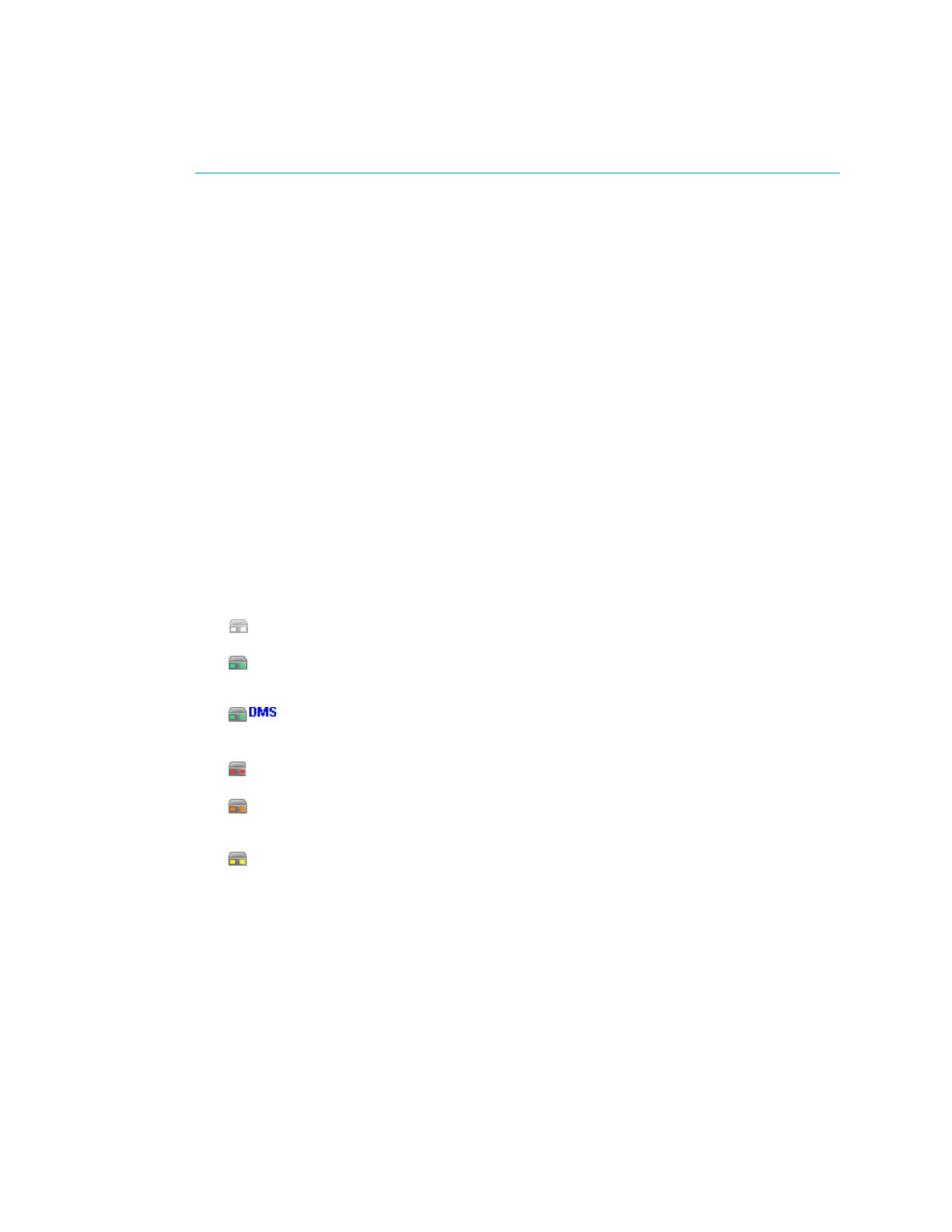
The alarm severity level is indicated by the device icon LEDs. A list follows with the
descriptions:
■
A device that is disconnected or not logged into is displayed in light gray.
■
A connected and communicating device with no alarms is displayed in full color
and the LEDs are green.
■
When a device is receiving a command from a Harmonic DMS server, DMS
displays next to the device icon.
■
When a device has a critical alarm then the LEDs are red.
■
When a device has a major alarm and no critical alarms then the LEDs are
orange.
■
When a device has a warning alarm and no major or critical alarms then the
LEDs are yellow.



 To Next Page