Chapter 6 Remote Management using EMS EMS System Requirements
© 2012 Harmonic Inc. 64 ProView 7000 v.2.6, Rev. E
5. Select Apply port changes.
6. Select Apply Changes.
6.2 EMS System Requirements
Minimum platform requirements for EMS:
■ P4 or equivalent processor @ 2 GHz or higher
■ 1 GB of RAM (2 GB highly recommended)
■ Windows XP, Windows Vista, or Windows 7 operating system
■ Internet or LAN connection
6.3 Installing EMS
The ProView 7000™ EMS is stored in the ProView 7000™ for easy installation using a web
browser.
To install the ProView 7000™ EMS:
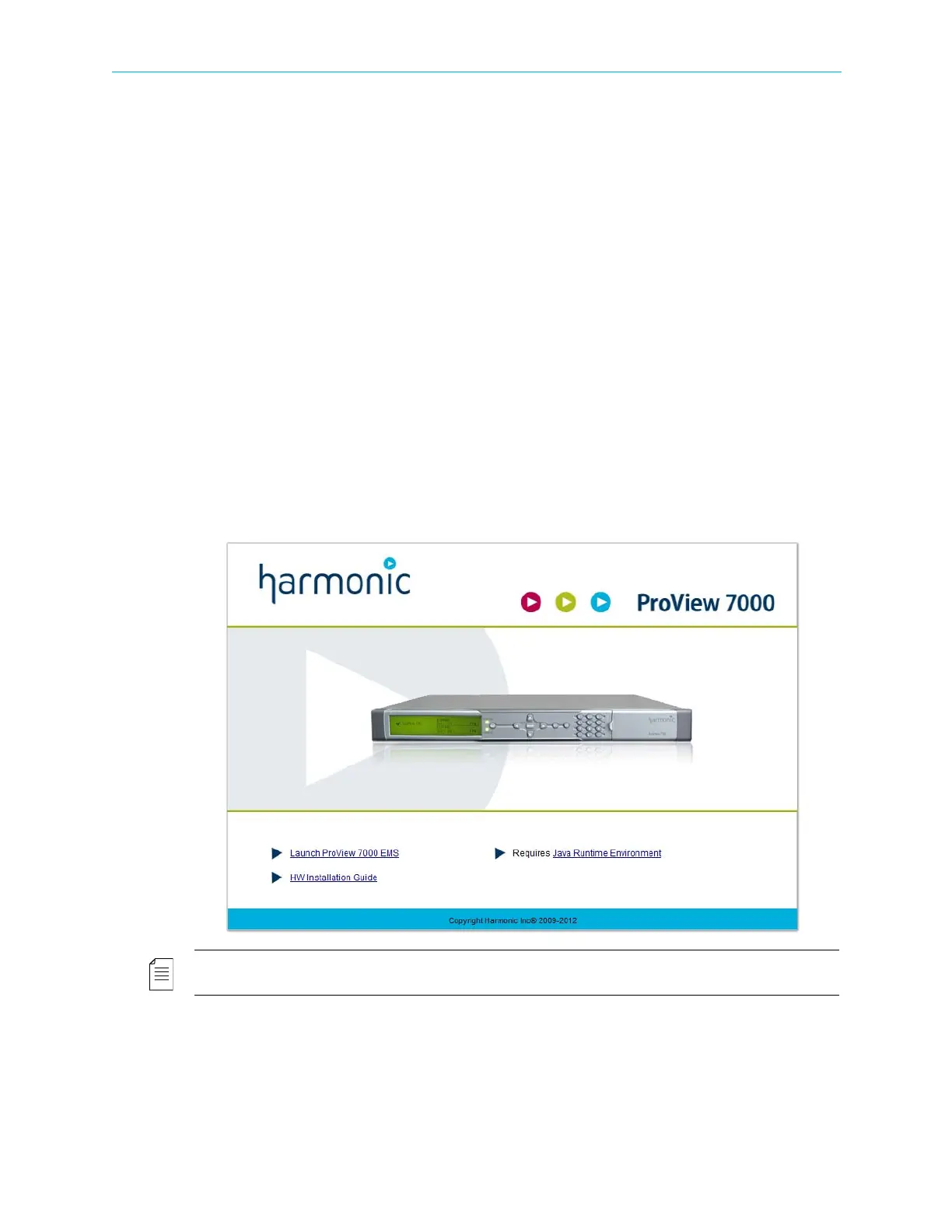
1. Run a web browser and enter the ProView 7000™ IP address.
The initial ProView 7000™ dialog displays.
NOTE: The EMS application is a Java-based program which requires Java Runtime Environment version
1.6. If needed, install Java Runtime Environment 1.6, using the link provided on the Java Web start page



 To Next Page