Chapter 7 Device Configuring Using EMS Device Properties
© 2012 Harmonic Inc. 164 ProView 7000 v.2.6, Rev. E
7.11.6 Device License Properties
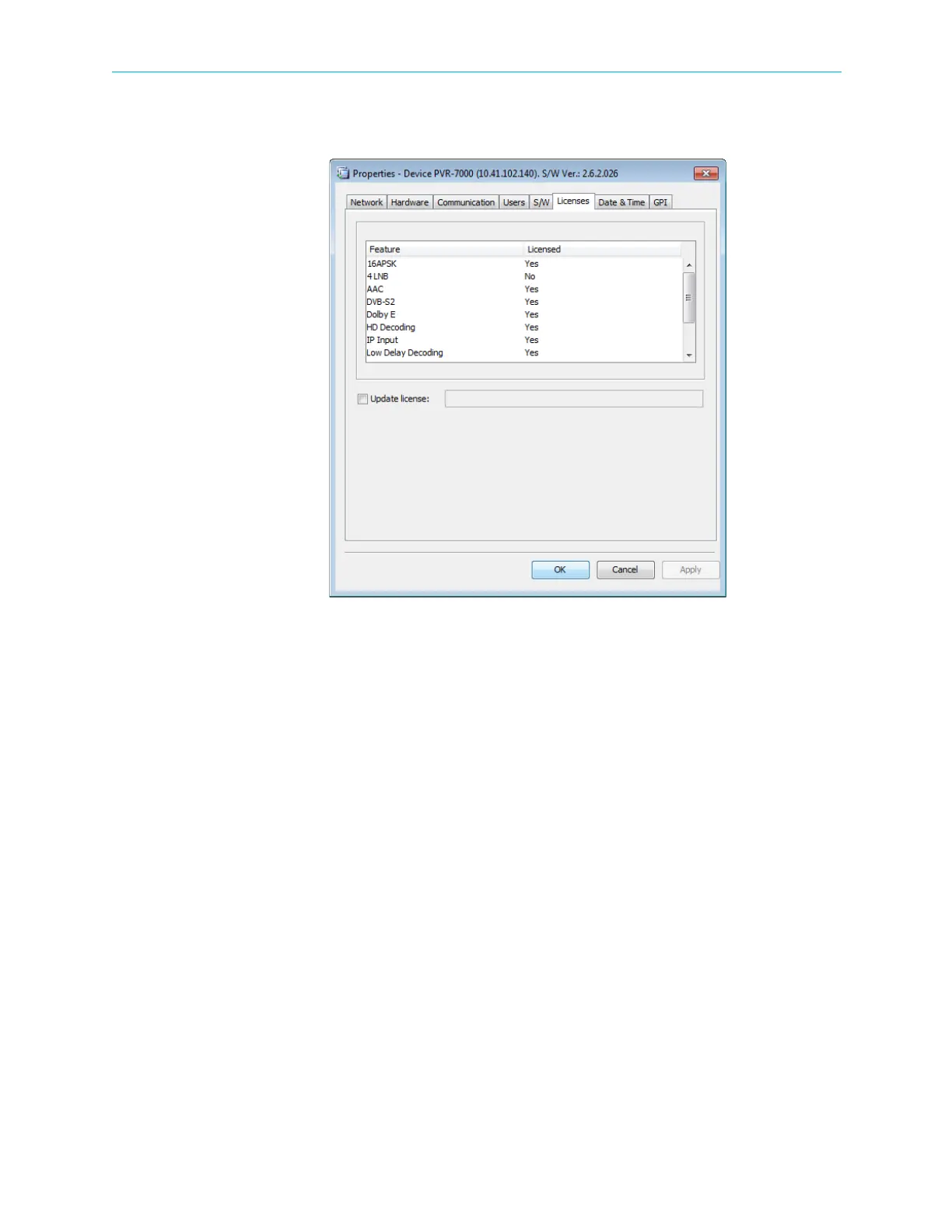
The Device License tab displays the ProView 7000™ licensed features.
Figure 7–46: Device Properties dialog – License tab
To enter a new license code:
1. Mark the Update license checkbox.
2. Enter the new license code.
3. Click Apply.
4. Reboot the device to activate the license.



 To Next Page