© 2012 Harmonic Inc. 199 ProView 7000 v.2.6, Rev. E
Appendix F
Software Management
F.1 Active Version Management
The ProView 7000™ keeps the current and last software versions. The EMS enables you to
choose the active software version. The process of changing the active software version takes
several minutes and requires a reboot.
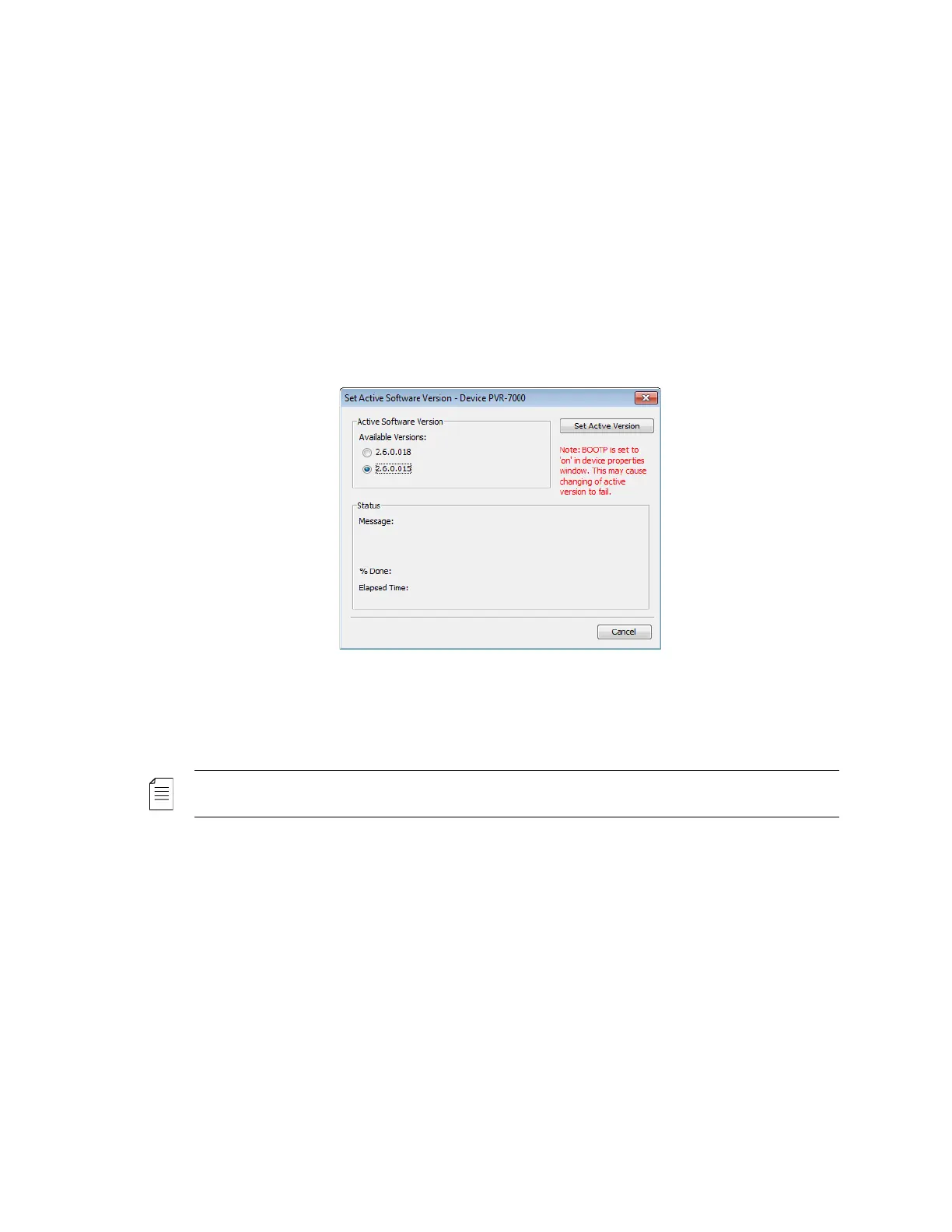
To open the Active Software Management dialog:
❖ Select Tools > Firmware > Set Active Software….
The Active Software Management dialog displays two software versions available. The
currently active version radio button is marked.
To change the device software version:
❖ Select the second version and click Set Active Version.
NOTE: A software version that is invalid is indicated in its radio button as N/A and is disabled.



 To Next Page