Chapter 7 Device Configuring Using EMS Physical Input Ports and Slots
© 2012 Harmonic Inc. 88 ProView 7000 v.2.6, Rev. E
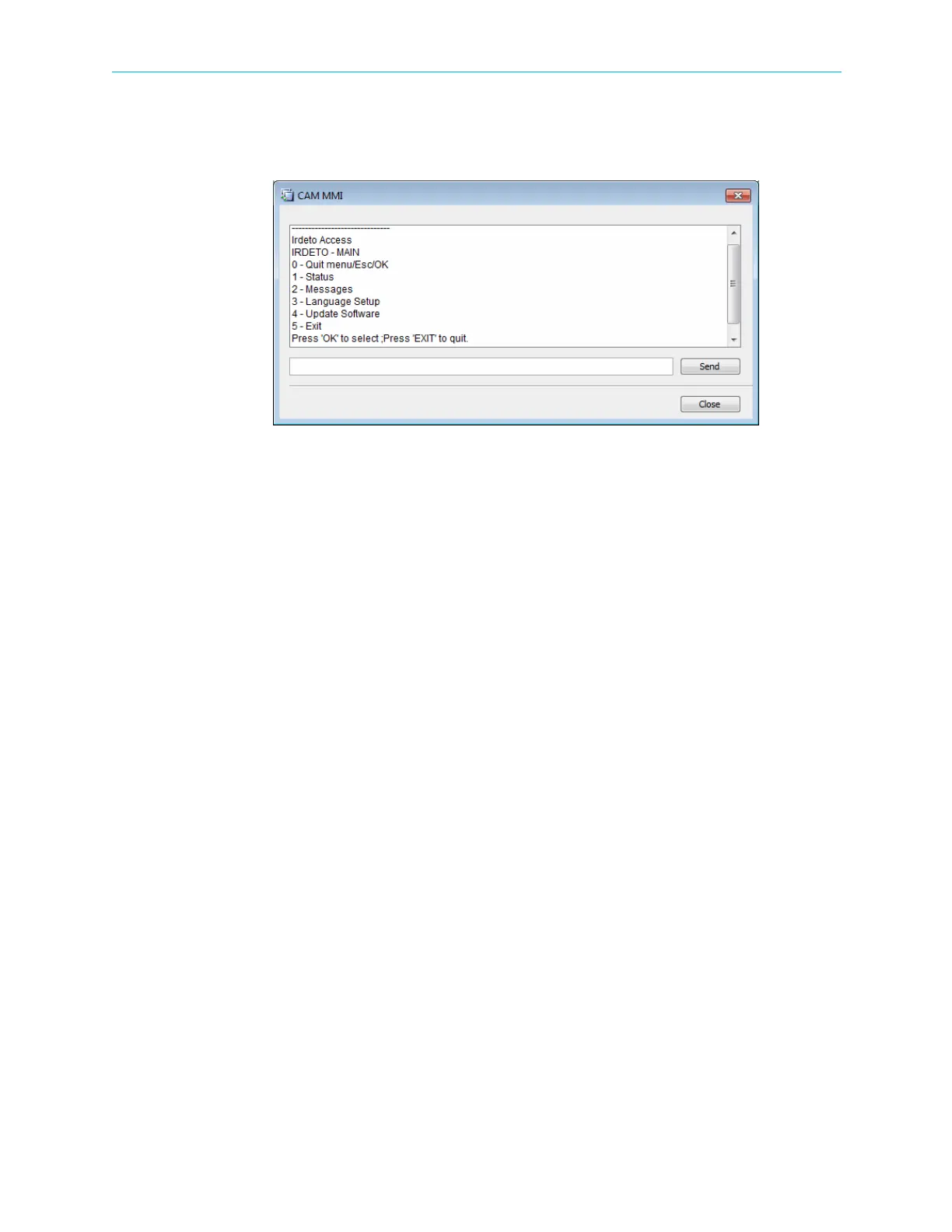
To display the CAM MMI menu:
❖ Click CAM MMI….
The CAM MMI dialog displays.
Figure 7–9: Sample CAM MMI dialog
Different CAMs have different options.
7.1.6 BISS Table Management
By default the Multiplex In 1 passes through the BISS descrambler, you cannot associate other
multiplex ins but you can bypass the BISS descrambler.
Related topics:
■ To Bypass the BISS Descrambler
■ BISS Table Management dialog
■ To Configure a BISS Key
■ To Clear a BISS Key
To Bypass the BISS Descrambler
Bypassing the BISS descrambler:
1. Right-click the BISS icon in the Physical Input box.
2. Select Disable BISS.
BISS Table Management dialog
Use the BISS Table Management dialog to configure or remove keys.
Displaying the BISS Table Management dialog:
1. Expand the device tree in the Physical Input box to display the Descrambling branch with
the BISS node.
2. Right-click BISS.
3. Select Properties.



 To Next Page