Chapter 7 Device Configuring Using EMS EMS Connection Wizard
© 2012 Harmonic Inc. 142 ProView 7000 v.2.6, Rev. E
7.8.2 Setting Decoding Channel using the Connection Wizard
To set a Decoding Channel by using the Connection Wizard:
1. Click Connection Wizard on the EMS toolbar.
2. Select Input Program to Decoding Channel and click Next>>.
3. Select the Input Multiplex Port and click Next>>.
4. Select an input program and click Next>>.
5. Select the Decoding Channel and click Next>>.
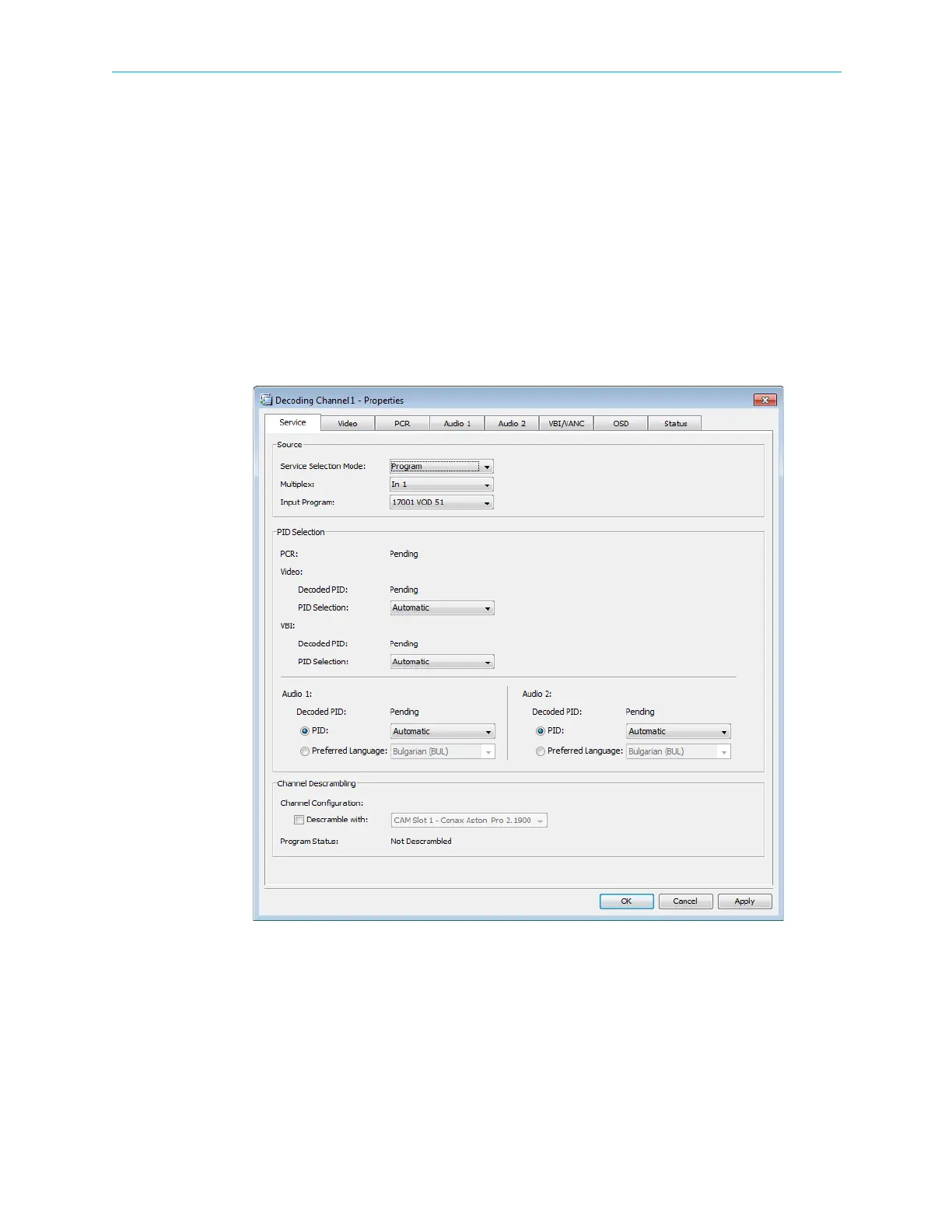
The Decoding Channel Properties dialog displays, enabling you to review and configure
the decoder properties (for detailed description, refer to 7.3.8 Decoding Channel
Properties).
6. Click OK to confirm the decoding set-up.



 To Next Page