Chapter 7 Device Configuring Using EMS Multiplex Inputs
© 2012 Harmonic Inc. 92 ProView 7000 v.2.6, Rev. E
7.2.3 Input Unreferenced PIDs Management
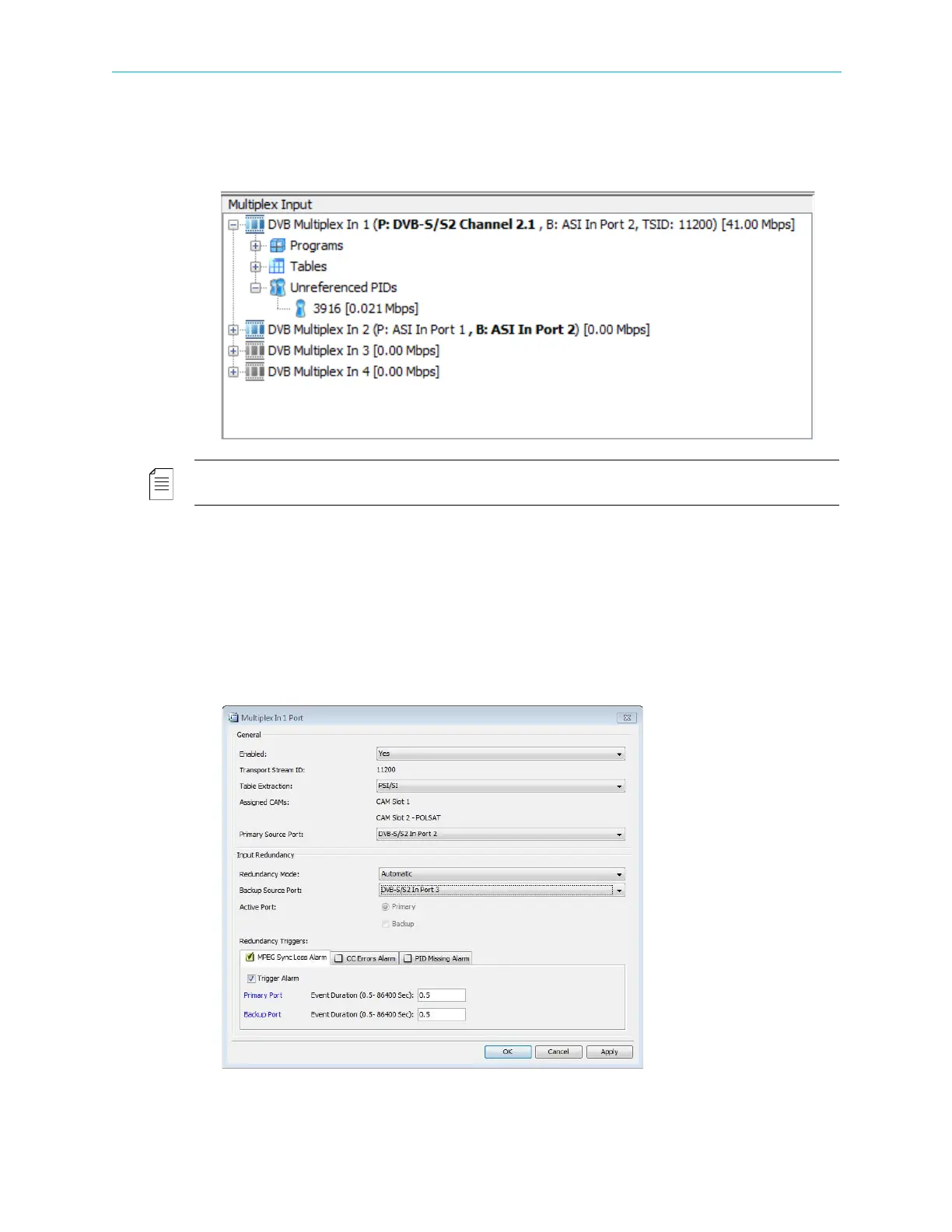
Click the Unreferenced PIDs branch in the Multiplex Input box to display all the PIDs related to
the multiplex input that are not referred to a specific program or table.
NOTE: The properties of the input unreferenced PIDs in the multiplexed input stream is detailed in
7.2.9 Input Unreferenced PID Properties.
7.2.4 Multiplex In Port Properties
Use the Multiplex In Port dialog to display a multiplex in port status, configure a multiplex in
port or configure a port input redundancy.
To display the Multiplex In Port dialog:
1. Select a Multiplex In Port icon in the Multiplex Input box on the Device Explorer tab.
2. Click Properties on the EMS toolbar.



 To Next Page