Chapter 8 Monitoring using EMS Alarm History
© 2012 Harmonic Inc. 169 ProView 7000 v.2.6, Rev. E
8.2.1 Alarm Properties
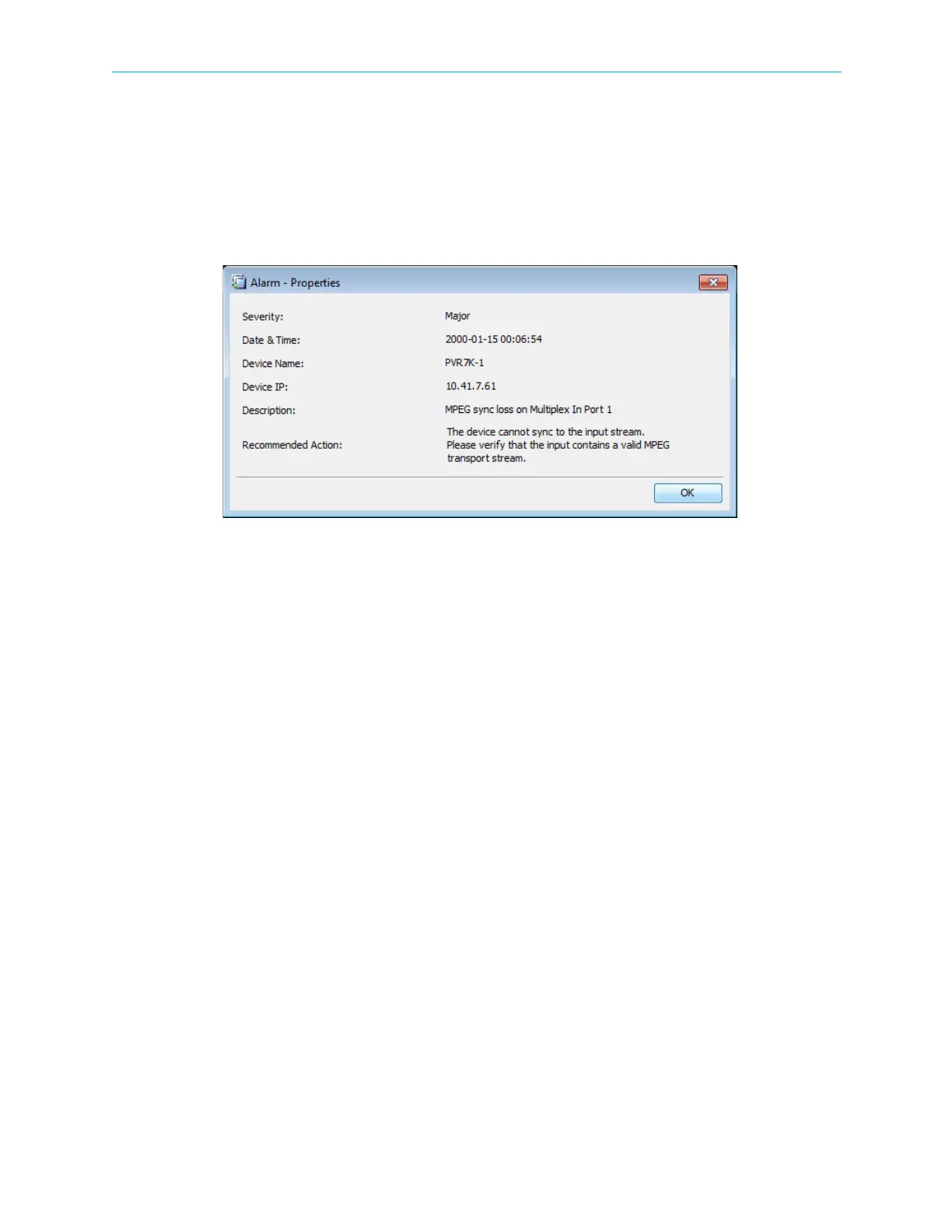
The Alarm Properties displays detailed information on a specific alarm message.
To display the Alarm Properties dialog:
1. Right-click an alarm entry in the Alarms box.
2. Select Properties in the drop down menu.
See Appendix E, ProView 7000™ Alarm List for the alarm list with corrective actions.
8.3 Alarm History
Use the Alarms History tab to view a record of alarms triggered. You can export the alarm
history in CSV format.
The alarm severity color codes are the same as those in the Alarm tab.
To display the alarm history for a device:
1. Select the Alarms History tab.
2. Select the device in the Filter drop-down menu.
The alarm history displays for the selected device.



 To Next Page