© 2012 Harmonic Inc. 19 ProView 7000 v.2.6, Rev. E
Chapter 2
Quick Start
This chapter provides instructions for quick initial setup of the ProView 7000™.
Topics:
■ Installation and Cable Connection
■ Switching On
■ Configuring the IP Parameters
■ Configuring and Monitoring
2.1 Installation and Cable Connection
Refer to the ProView 7000™ Hardware Installation Guide for detailed information on
installation and cable connection.
2.1.1 Installation
The ProView 7000™ can be installed in a 19" rack using mounting slides.
2.1.2 Electrical connection
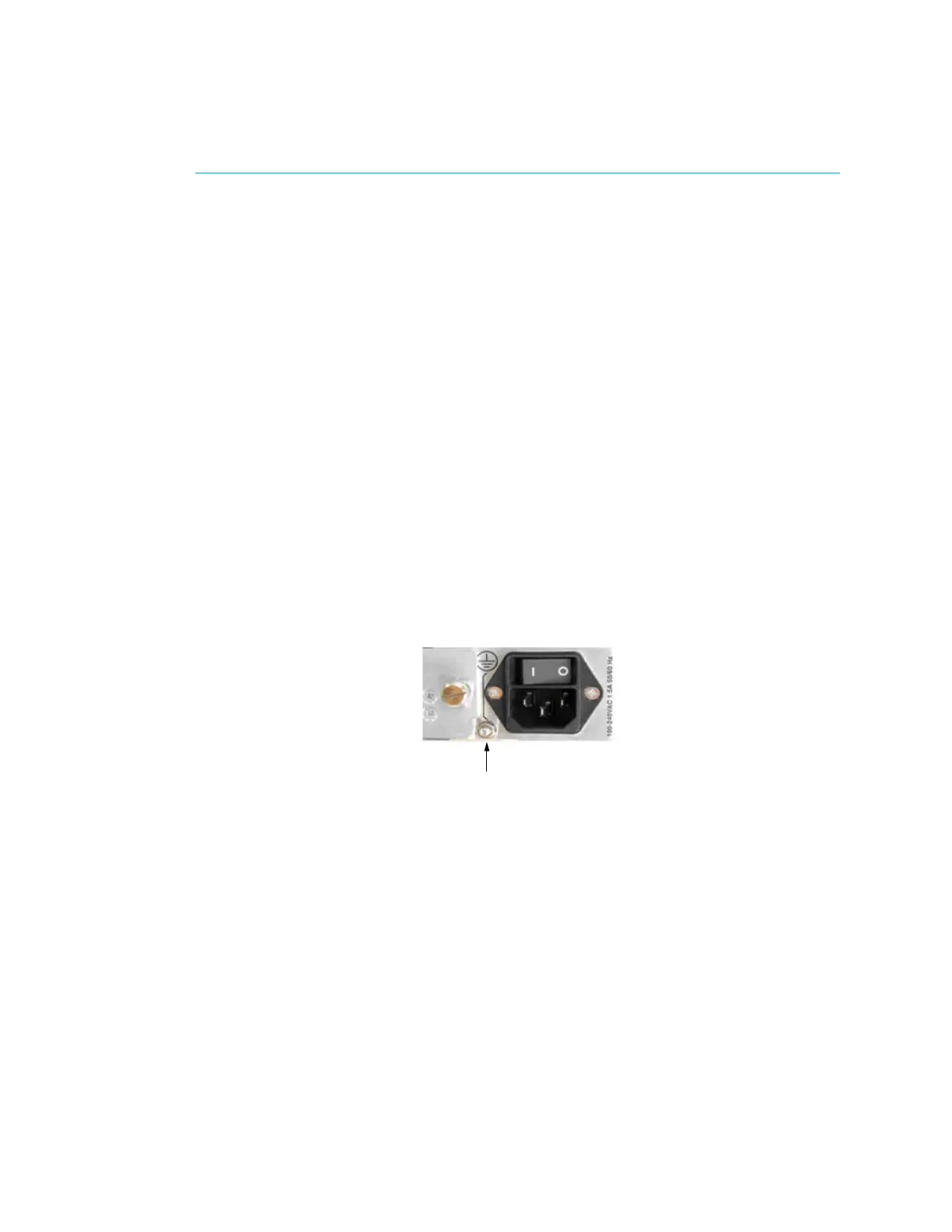
The ProView 7000™ is powered by an AC power supply. Grounding of the ProView 7000™ is
provided when the AC power cable is connected to the unit AC connector.
When the ProView 7000™ is rack-mounted, the device’s grounding jackscrew must be
connected to the rack housing, which must be correctly grounded.



 To Next Page