Chapter 7 Device Configuring Using EMS Low Delay Mode
© 2012 Harmonic Inc. 144 ProView 7000 v.2.6, Rev. E
7.9.1 Selecting Low Delay Mode
To select Low Delay mode:
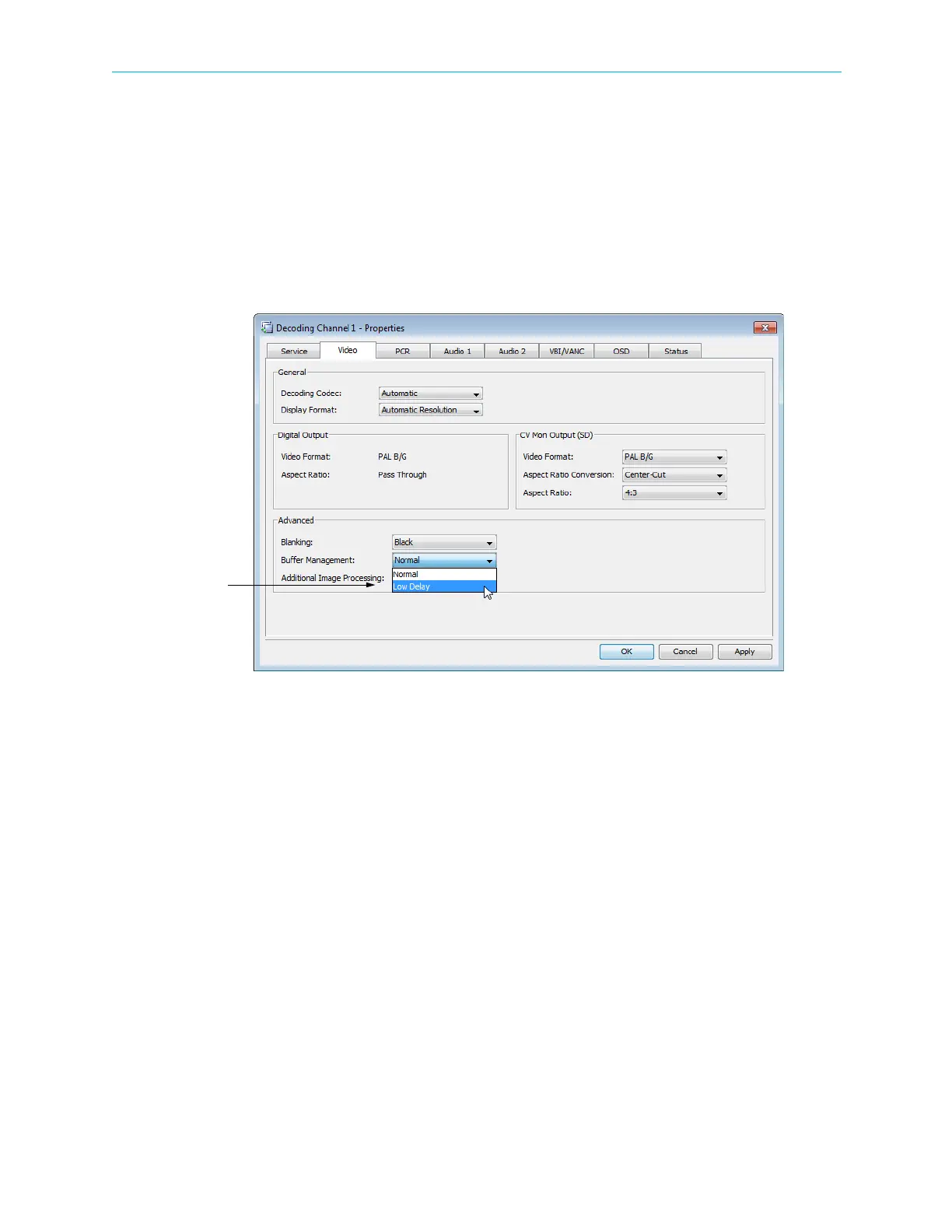
1. Select the Decoding Channel in the Multiplex & Decoding Output box.
2. Click Properties on the toolbar.
The Decoding Channel Properties dialog displays.
3. Select the Video tab.
4. Select Low Delay for Buffer Management in the Advanced box, see Figure 7–33.
Figure 7–33: Selecting Low Delay Mode
5. Click Apply.



 To Next Page