Chapter 7 Device Configuring Using EMS Multiplex Inputs
© 2012 Harmonic Inc. 95 ProView 7000 v.2.6, Rev. E
7.2.5 Input Program Properties
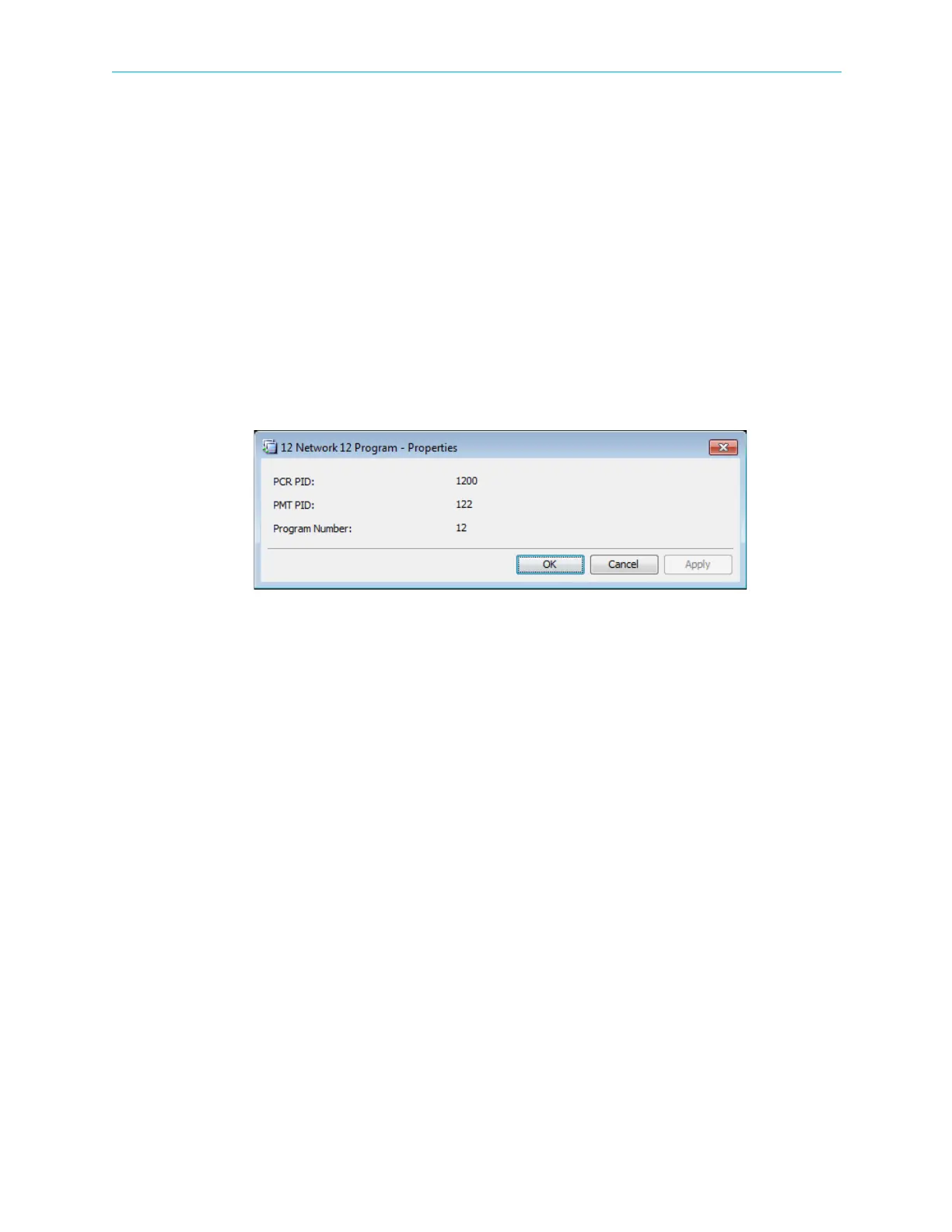
The Input Program properties dialog provides basic information on the input program
provided to the input multiplex over the received transport stream.
To display the Input Program properties dialog:
1. Select the required Input Program icon in the Multiplex Input box on the Device Explorer
tab.
2. Click Properties on the EMS toolbar.
The information displayed by the Input Program Properties dialog includes the following:
■ The Program Clock Reference identification number (PCR PID).
■ The Program Map Table identification number (PMT PID).
■ The program reference number.



 To Next Page