Chapter 7 Device Configuring Using EMS Multiplex Inputs
© 2012 Harmonic Inc. 94 ProView 7000 v.2.6, Rev. E
Redundancy
Only one port is active while the other one is in standby mode, by default the Primary port is
active and the Backup port is on standby. The port on stand by does not pass data. The
Redundancy Triggers section is used to configure triggers that will switch to the backup port.
The default Redundancy Mode is Off.
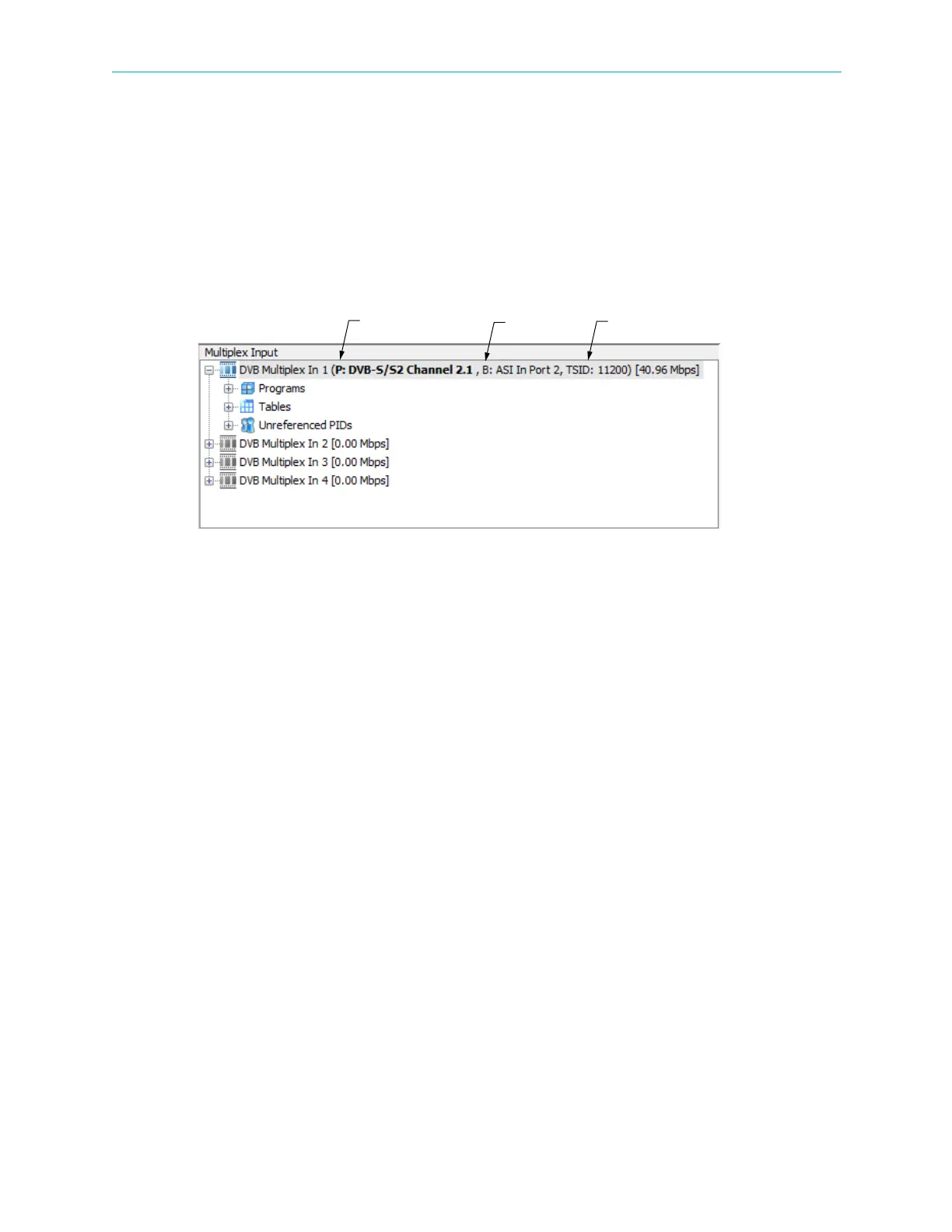
The active port displays in bold in the Multiplex Input box. The Primary port is designated
with a P and the Backup port is designated with a B.
To use Input Redundancy you must configure the Primary Source Port in the General box and
the Backup Source Port in the Input Redundancy box.
There are 5 modes:
■ Off
■ Manual – you can manually switch between the primary and the backup ports.
■ Manual Revert – the device switches from the primary port to the backup port when the
primary port fails on one of the redundancy triggers and the backup port has no active
alarms. You can revert from the backup port to the primary port manually by clicking on
the Primary radio button.
■ Automatic – the device switches to the standby port whenever the active port fails on one
of the redundancy triggers and the standby port has no active alarms.
■ Automatic Revert – the device switches from the primary port to the backup port when the
primary port fails on one of the redundancy triggers and the backup port has no active
alarms. The device reverts to the primary as soon as the primary port has no active alarms.
You must enable at least one redundancy trigger using the Trigger Alarm checkbox.
Primary Port Backup Port Transport stream ID



 To Next Page