Chapter 7 Device Configuring Using EMS Device Properties
© 2012 Harmonic Inc. 159 ProView 7000 v.2.6, Rev. E
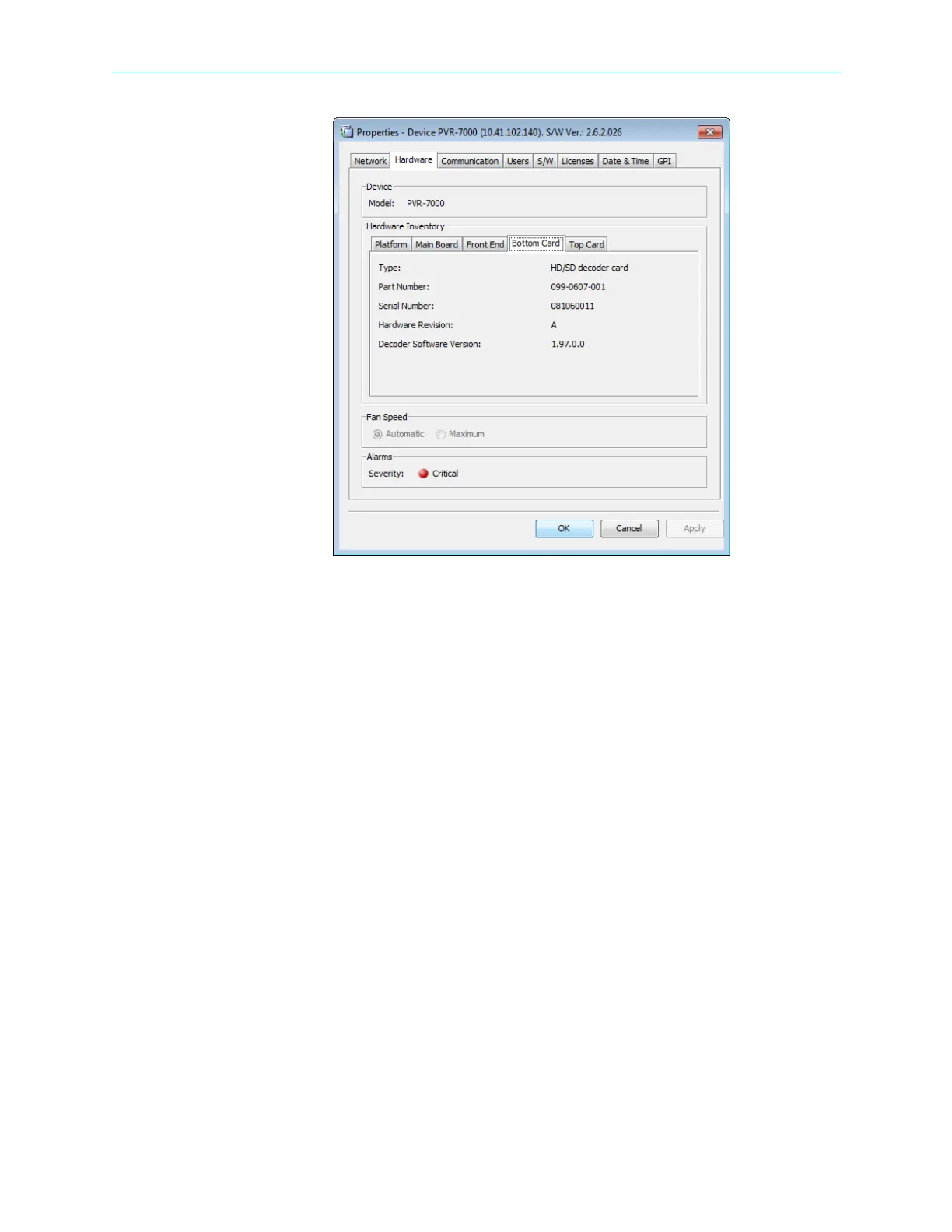
Figure 7–41: Device properties dialog – Hardware – Bottom Card tab
Top Card
The Top Card Properties tab displays the following parameters on the top card installed in the
device:
■ Top card type
■ Top card part number
■ Top card serial number
■ Hardware Revision information



 To Next Page