Managing Accounts5.5
Selecting an Account Mode
You can manage accounts in the following account modes:
•
'Accounts'
•
'Accounts with Access Control'.
Before creating accounts , see Setting up 'Accounts ' on page 93or Setting up 'Accounts
with Access Control ' on page 94 .
If you use a postal expense management software, your accounts
are managed by the PC.
Creating an Account Structure
Account names must be unique within the system.
Account Information
The number of accounts you can create is set to 35 by default and can be increased to
300 if required.
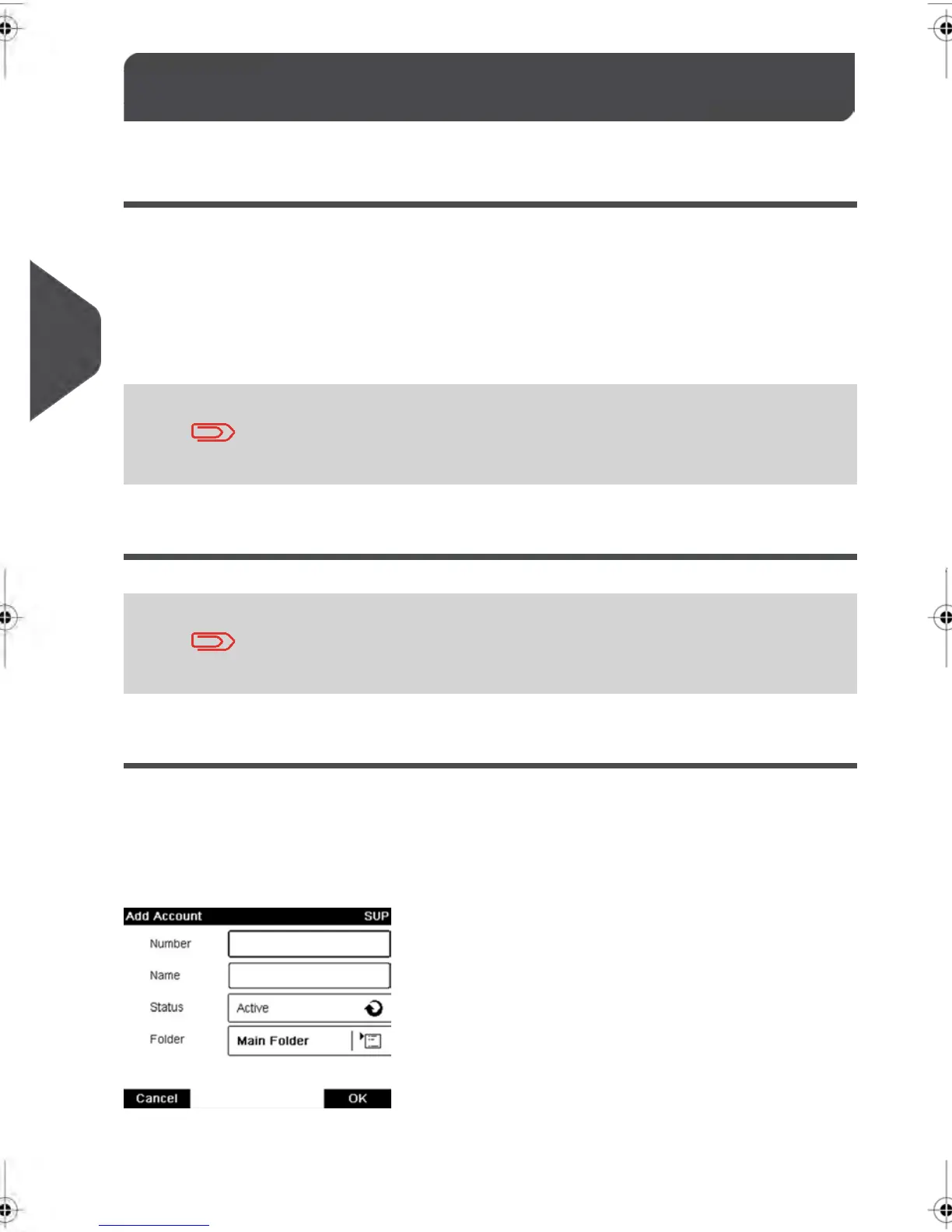
Every account includes the following information, which is displayed on the Add account
screen:
98
| Page 98 | feb-14-2014 12:06 |
5
Managing Accounts and Assigning Rights



 To Next Page