Otherwise, you can press the back key to modify any of the
settings made previously and obtain a new summary.
Entering Postage Manually
To enter the postage amount manually, follow the procedure below.
How to Enter Postage Manually
On the home screen:
1. Type directly the first figure of the amount using the keypad.
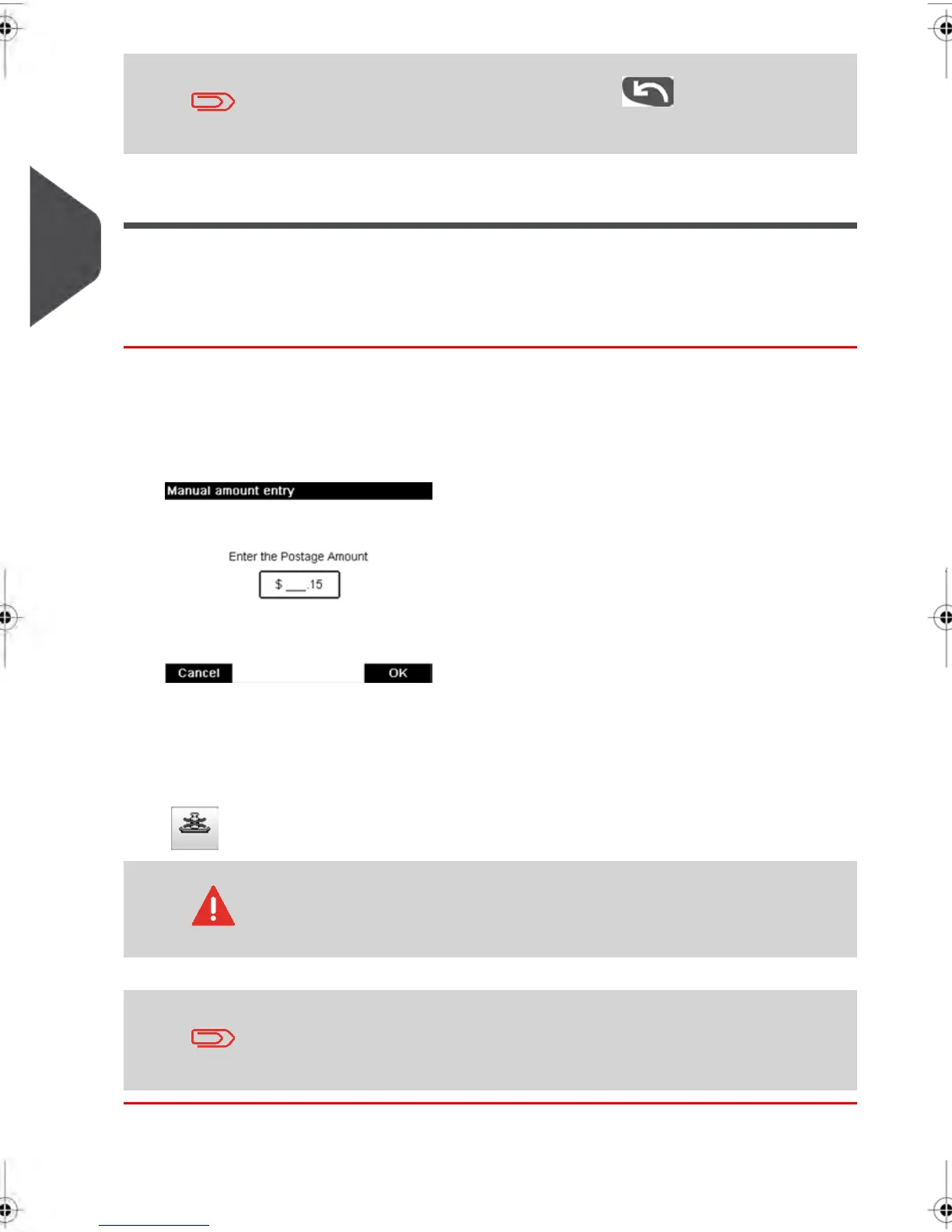
The Manual amount screen appears.
2. Complete the amount.
3. Press [OK] .
The amount is displayed in the Postage area of the home screen and the Weighing
type zone (see cover flap for screen description) shows the No weight source icon
( ).
You can enter the highest dollar value is $300
To set the fractional postage for presort mail, see How to Activate
/ Deactivate Fractional Postage Values on page 173 .
62
| Page 62 | feb-14-2014 12:06 |
3
Processing Mail



 To Next Page