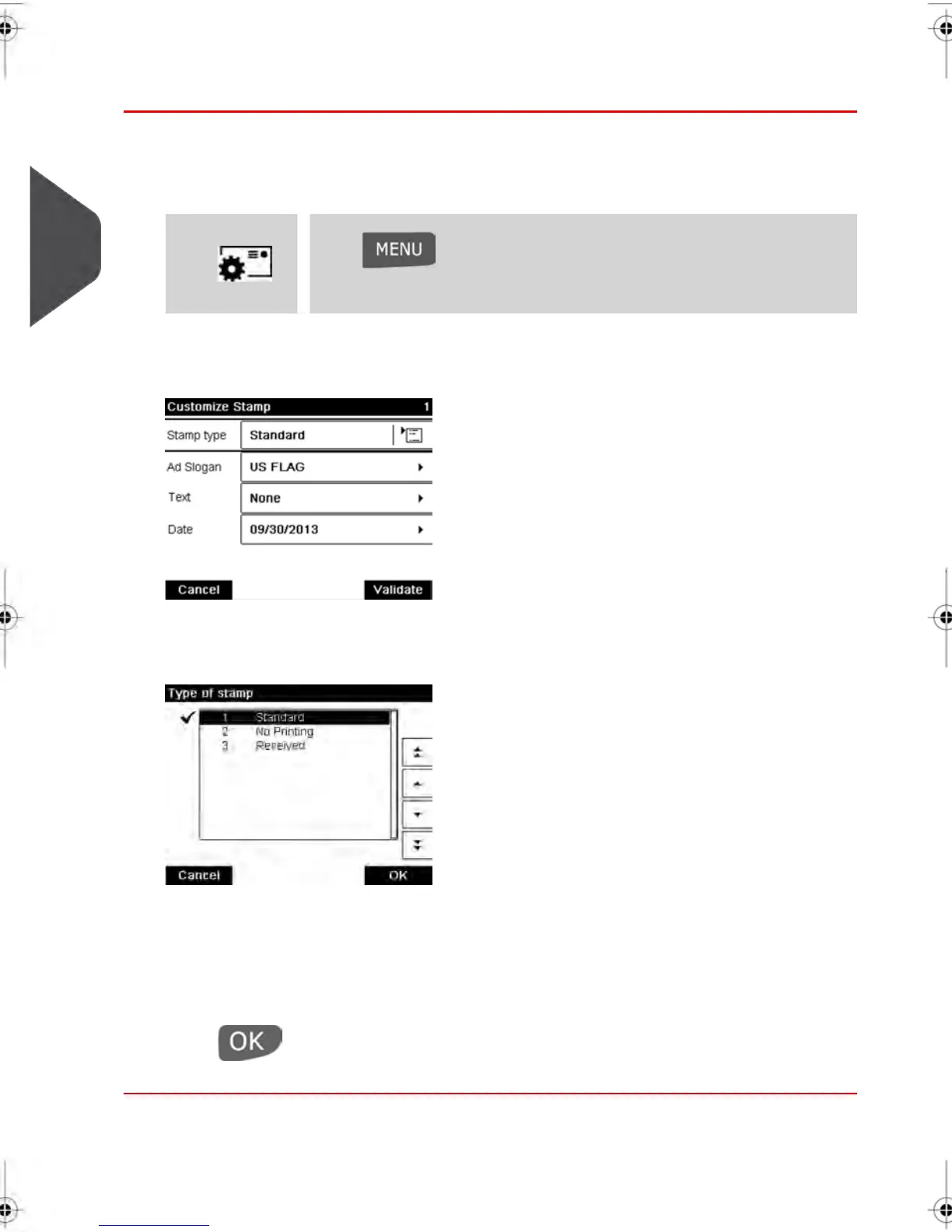
How to Change the Current 'Type of Stamp'
Once you are logged in as user:
1. Either:
Press and type 1
> Customize stamp
Press or
The Customize stamp screen is displayed.
2. Select > Stamp type .
The Type of stamp screen is displayed.
3. Select the type of stamp in the list and press [OK] .
The Customize stamp screen is updated and displays the menu items that allow you
to modify the stamp options.
4.
Press to return to the home screen.
36
| Page 36 | feb-14-2014 12:06 |
3
Processing Mail



 To Next Page