Assigning Accounts to Operators
You can define the Accounts Access to each operator, by assigning accounts to each
operator.
On user screens, only accounts are displayed.
How to Assign Accounts to an Operator
To create/change the list of Accounts an Operator has access to:
1. Follow the procedure How to Modify an Existing Operator on page 108 until the Edit
modify screen, and select Account list .
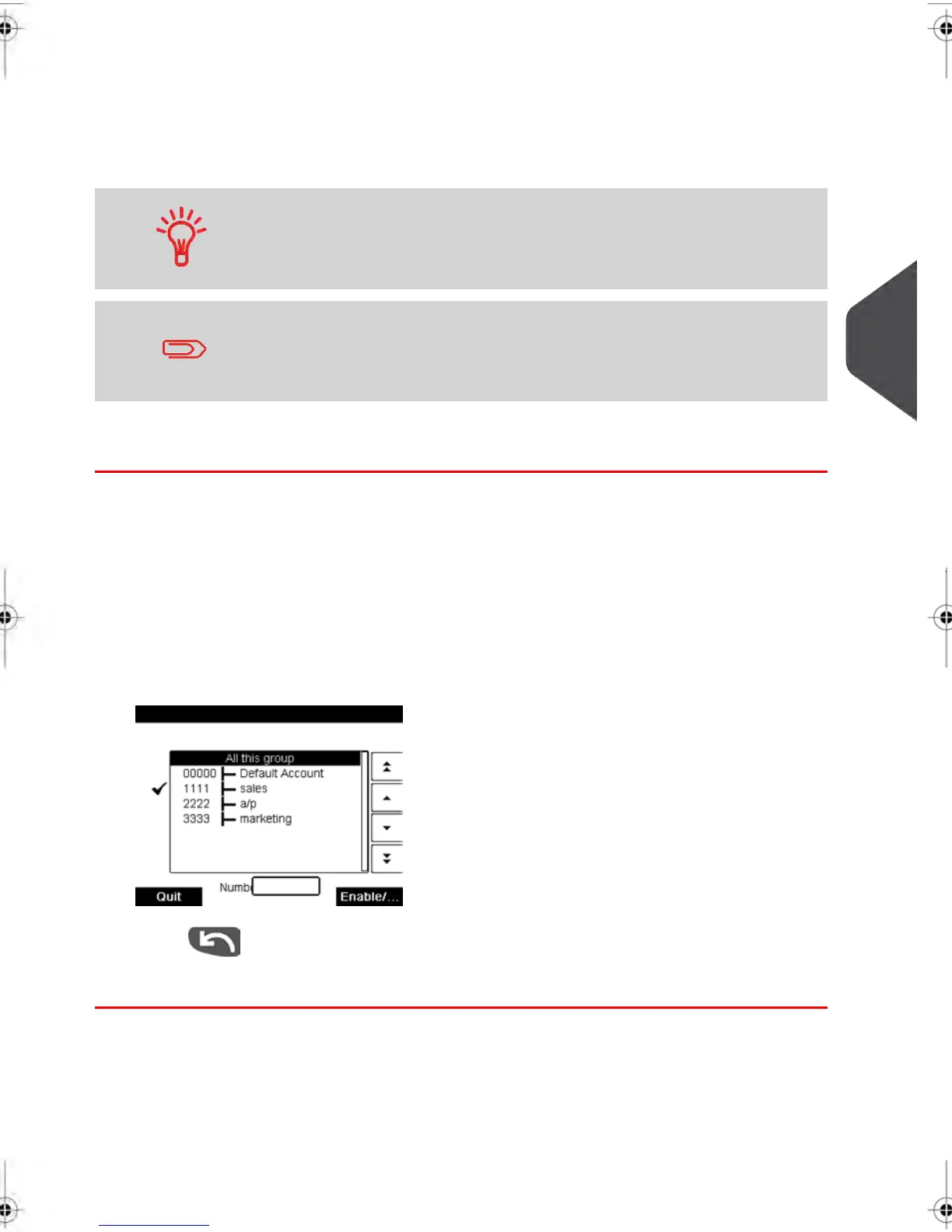
The Account List screen is displayed.
2.
Select Add Account .
The Account list screen is displayed.
3.
Press to return to the Edit / modify screen.
4. Press [OK] to accept the changes.
5
Managing Accounts and Assigning Rights
109
| Page 109 | feb-14-2014 12:06 |



 To Next Page