How to Set the Automatic Date Advance Time
To set the auto date advance time and days:
1. As supervisor (see How to Log in as Supervisor on page 148 ):
Press and type 3.3.5 or select the path:
Default user settings Default imprint parameters Automatic date
advance
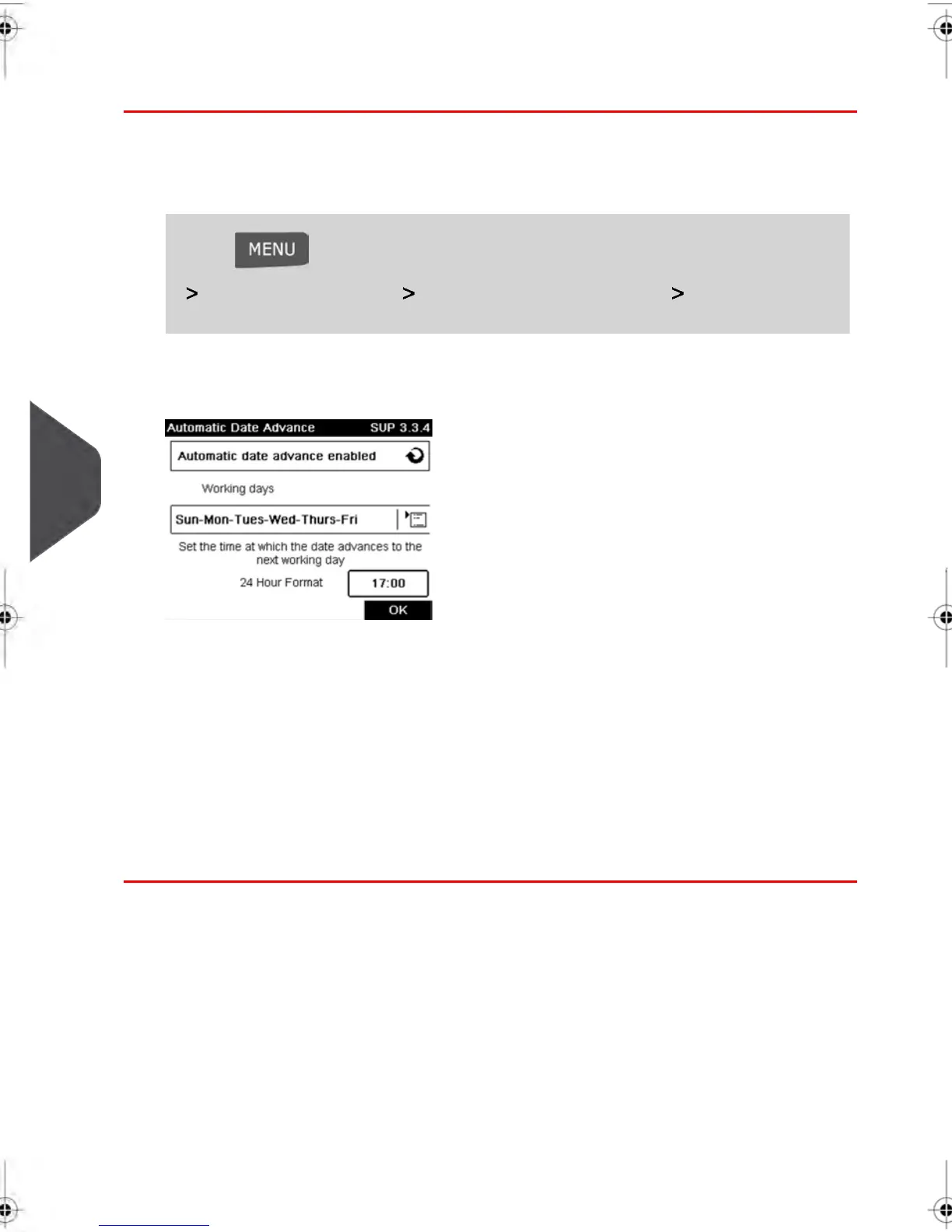
The Automatic date advance screen is displayed.
2. Press the Auto Date Advance button to Enabled status.
3. On the first screen, type 2, enter the Automatic Date Advance time (00:00 hours is
not allowed) and press [OK.]
4. Select Working Day to gain access to working days selection screen.
5. Select the day and press Select/Deselect to select or deselect each day.
6. Press [OK] to exit.
172
| Page 172 | feb-14-2014 12:06 |
8
Configuring your Mailing System



 To Next Page