Accessories2.2
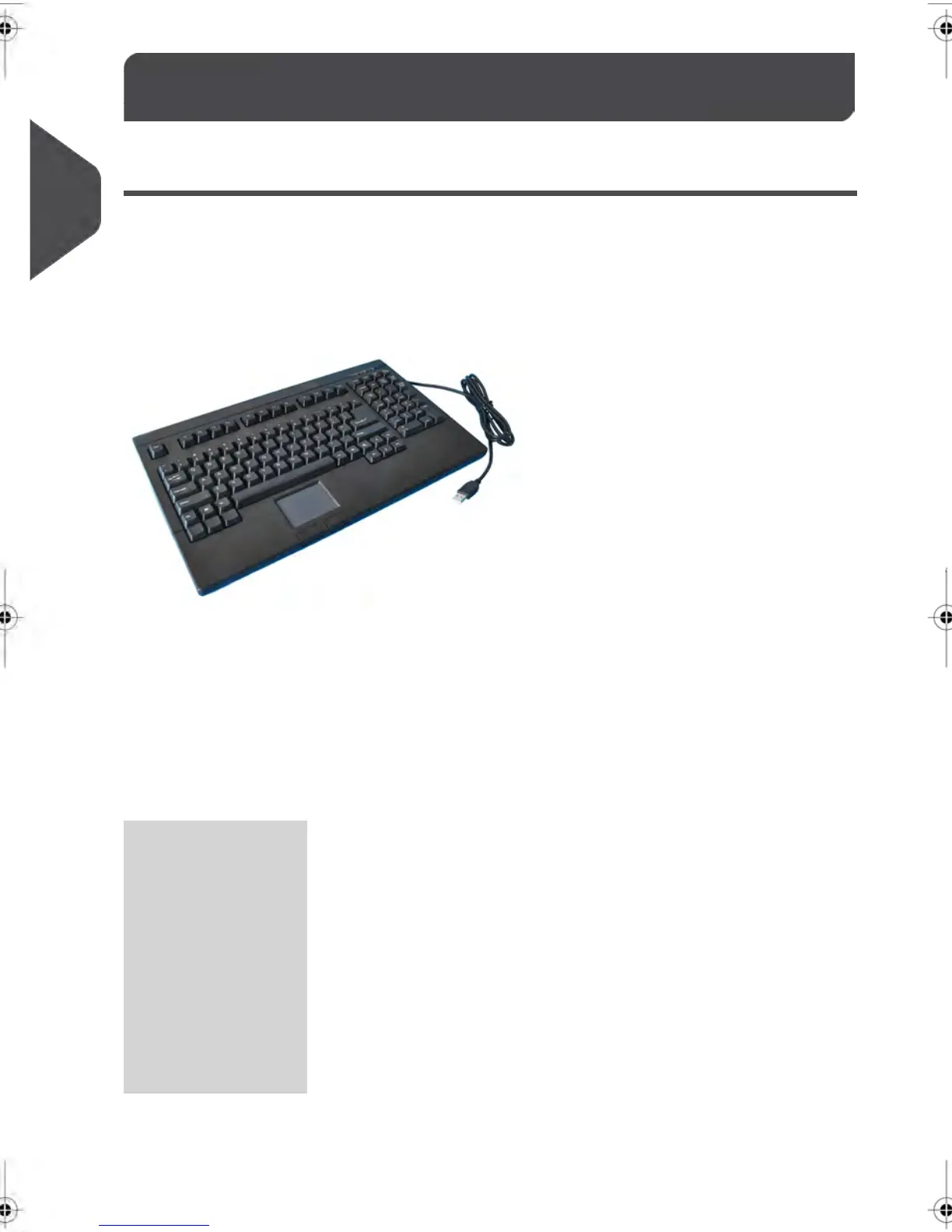
USB Keyboard (option)
Usage
A USB keyboard can be connected to the mailing system.
This keyboard is a standard personal computer keyboard with an additional touchpad. It
allows the input of data to your mailing system.
To use the numerical keys, ensure that [Num lock] is activated.
You can use the shortcuts listed in the table below
Keyboard use
NAVIGATION KEYS
Validates the current screen.[Enter]OK
Deletes the last character or digit in an entry
field.
[Backspace]Clear
Deletes the next character or digit in an
entry field
[Del]Delete
Returns to previous screen or cancels the
selection.
[Esc]Back / Cancel
Moves to the next entry field.[Tab]Change field
16
| Page 16 | feb-14-2014 12:06 |
2
Meet Your Mailing System



 To Next Page