Moves the cursor before the character at
the left.
[Left arrow]Move before
Moves the cursor after the character at the
right.
[Right arrow]Move after
Touchpad use
The touchpad is available to move the screen cursor in much the same way a mouse is
used. Further, left and right click buttons are available to be used for selecting items.
In addition, it allows you to:
•
Exactly position the cursor in an entry field.
•
Select a part of the content of an entry field.
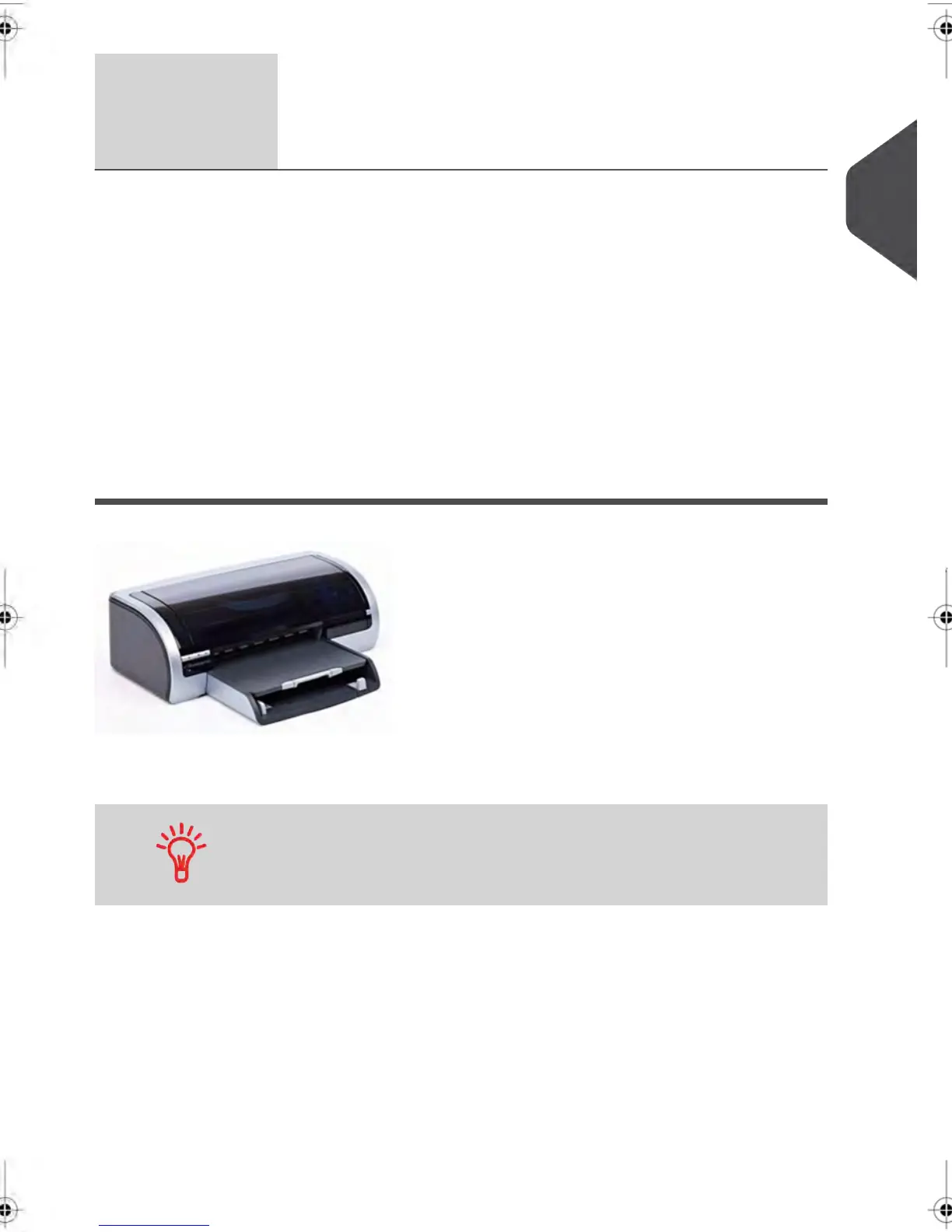
Report Printer (option)
A USB printer can be directly connected to the mailing system for printing mailing related
reports.
For more information about compatible printers that can connect
to your mailing system, please contact technical support.
2
Meet Your Mailing System
17
| Page 17 | feb-14-2014 12:06 |



 To Next Page