How to Add Funds to the PSD (Meter)
To add funds to the PSD:
1. Either:
Press and type 7 or select the path:
> My Funds
Press or
2. Select Add Funds (or type 2 ).
3. If the system asks for a PIN code, enter the code using the keypad and press [OK] .
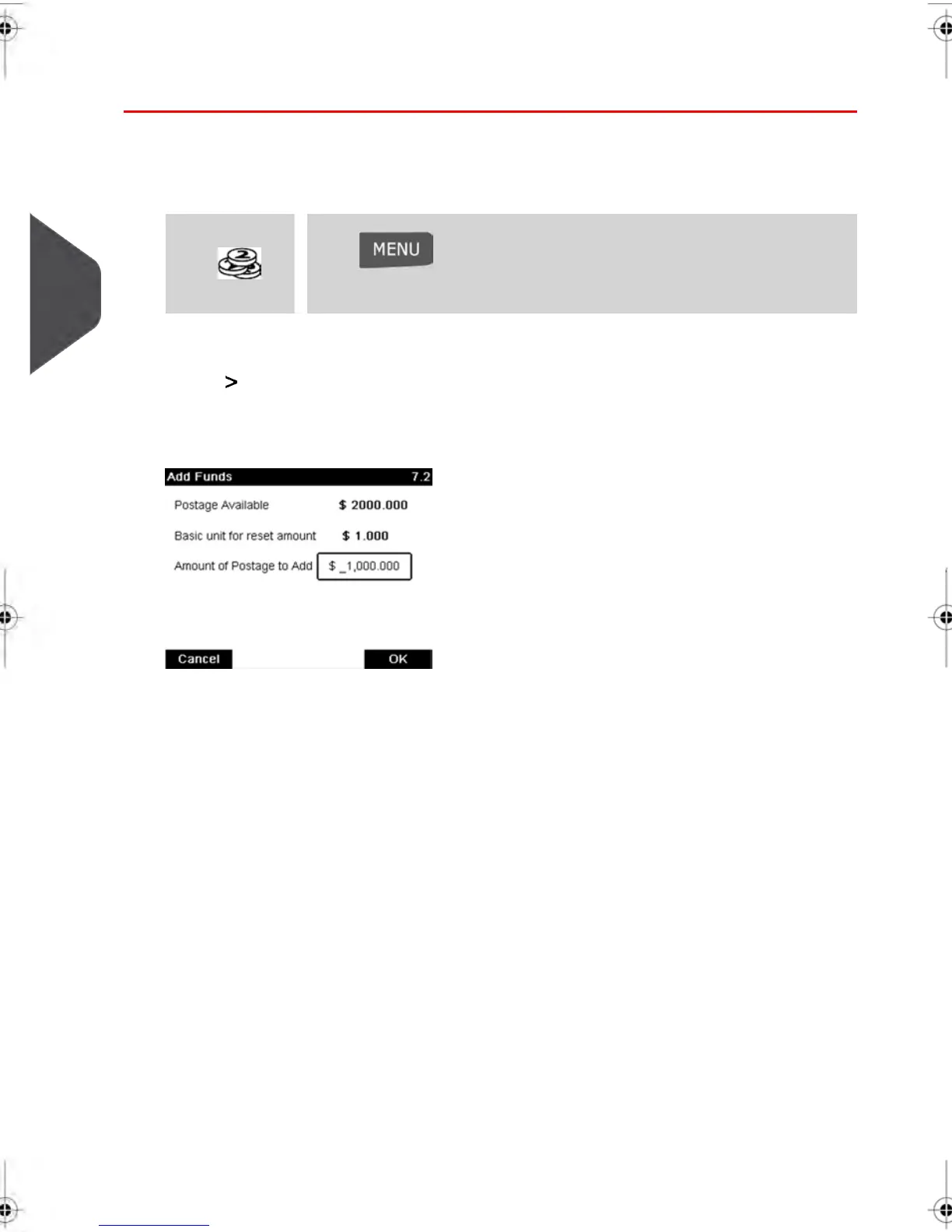
The Funds Screen is displayed.
By default, the system displays the value of the previous transaction.
4. Enter the amount of postage to add using the keypad (use C to clear a digit, press C
twice to clear the field).
82
| Page 82 | feb-14-2014 12:06 |
4
Money Operations



 To Next Page