How to Change the Weighing Type
To change the weighing type from the home screen:
1. Either:
Press and type 2.2 or select the path:
Job settings Weighing type
Press
or
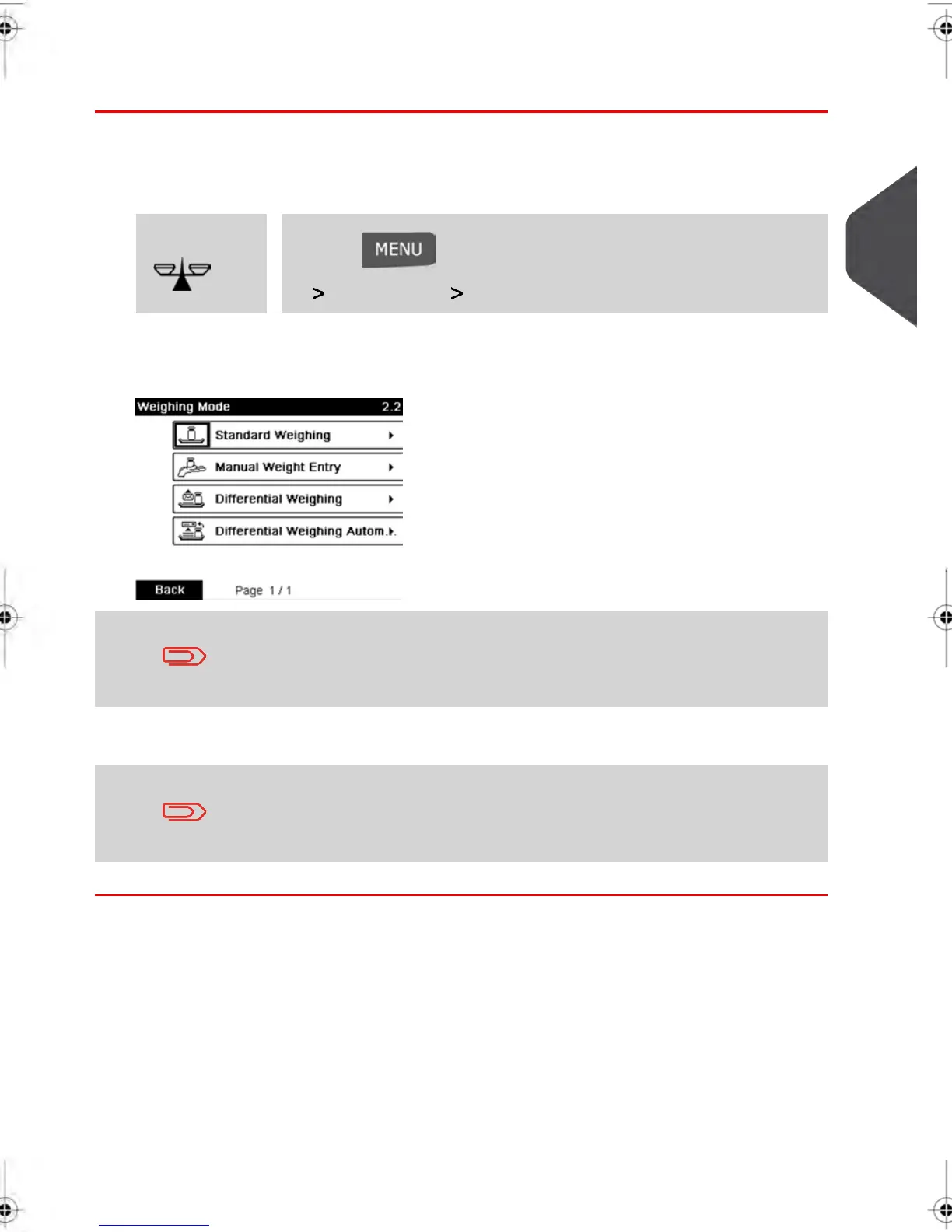
The Weighing mode screen is displayed.
The options actually displayed in the screen depend on the weighing
devices that are connected to your Mailing System and on features
that are activated.
2. Select the weighing type.
If you select the option Differential Weighing Automatic tape , make
sure the Auto-Label Dispenser is properly filled with labels. See
How to Fill the Automatic Label Dispenser on page 76 .
3
Processing Mail
65
| Page 65 | feb-14-2014 12:06 |



 To Next Page