How to Clean the Print Heads Automatically
To clean the print heads automatically:
1. As supervisor (see How to Log in as Supervisor on page 148 ):
Press and type 7.2.2 or select the path:
Maintenance Ink Cartridge Cleaning process
The cleaning starts automatically.
Manual Cleaning
If automatic cleaning is not sufficient, you can clean the printing heads manually.
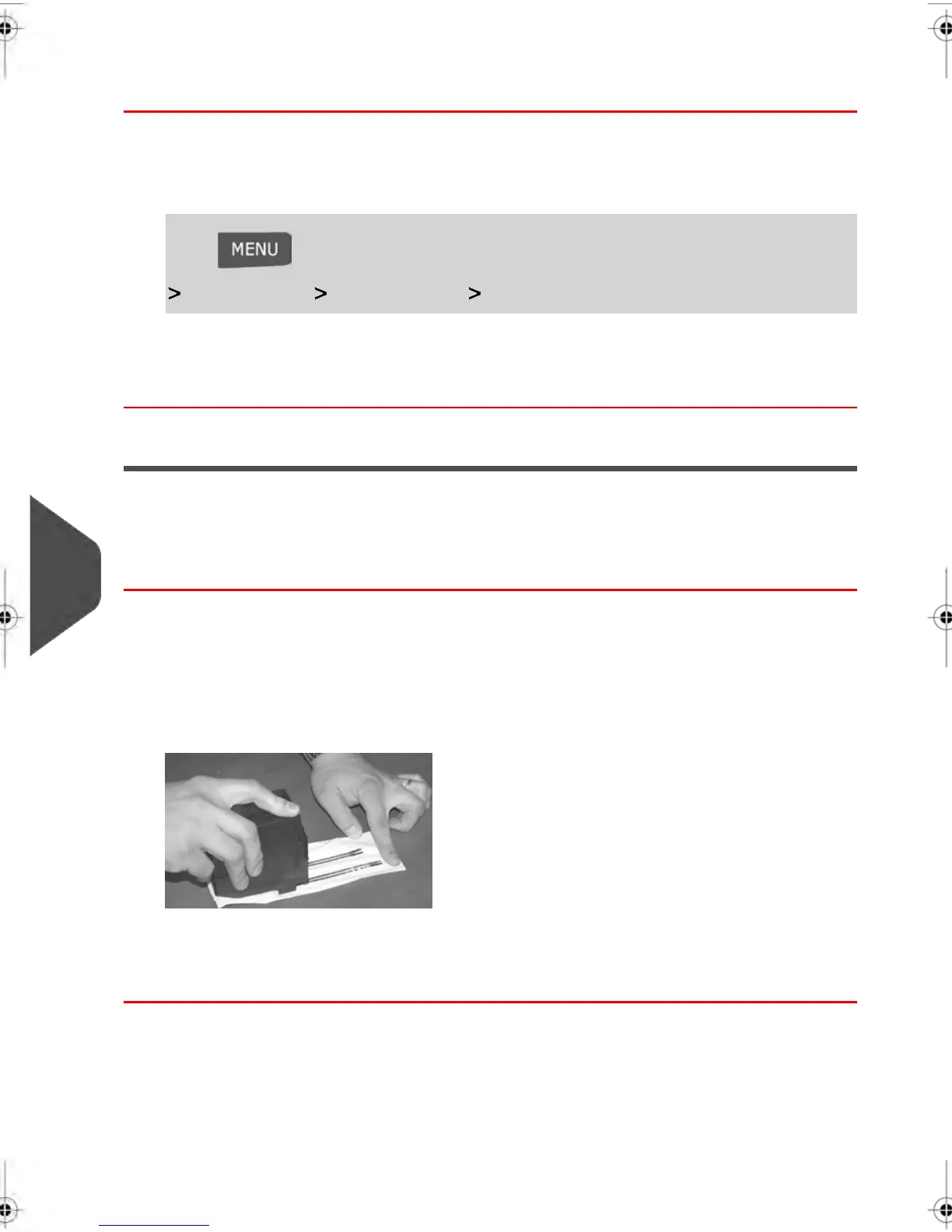
How to Clean the Print Heads Manually
To clean the print heads manually:
1. Open the base cover.
2. Remove the ink cartridge (see How to Change the Ink Cartridge on page 209 ).
3. Clean the heads with a soft damp cloth.
4. Put the cartridge back in place.
Close the base cover.
208
| Page 208 | feb-14-2014 12:06 |
10
Maintaining your Mailing System



 To Next Page