Guidelines to Setup an Account5.3
See also
•
Selecting an 'Account Mode ' on page 89 .
Setting up 'No Account '
The 'No Account' mode provides users with unlimited access to the system (self-service
type).
This is the default mode in your Mailing System.
Implementing “No account”
•
Follow the procedure How to Display and Change the 'Account Mode' on page 97
and select the 'No Account' mode.
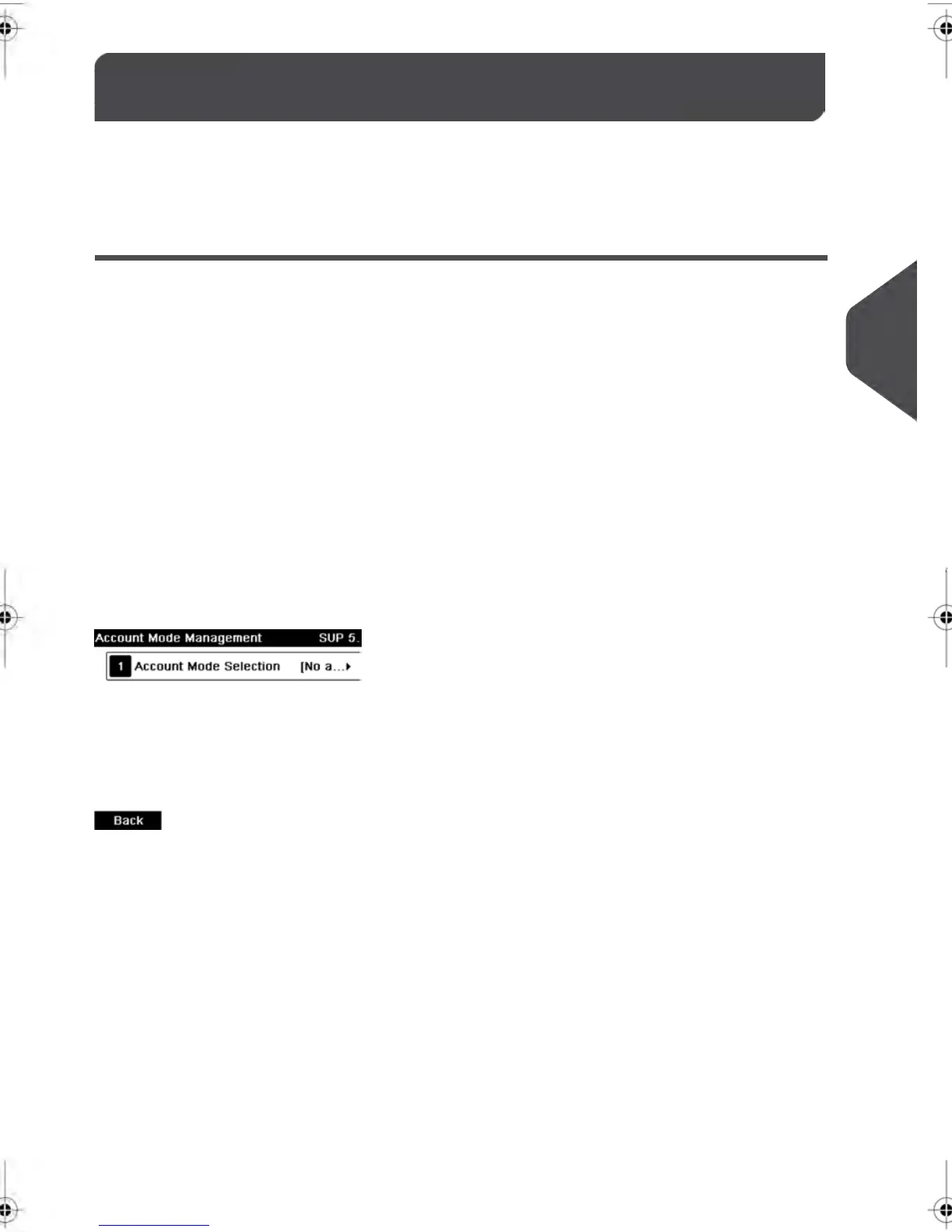
'No Account' Management Menu
In No account mode:
No other setting is necessary for the 'No Account' mode.
91
| Page 91 | | feb-14-2014 12:06 |
5
Managing Accounts and Assigning Rights



 To Next Page