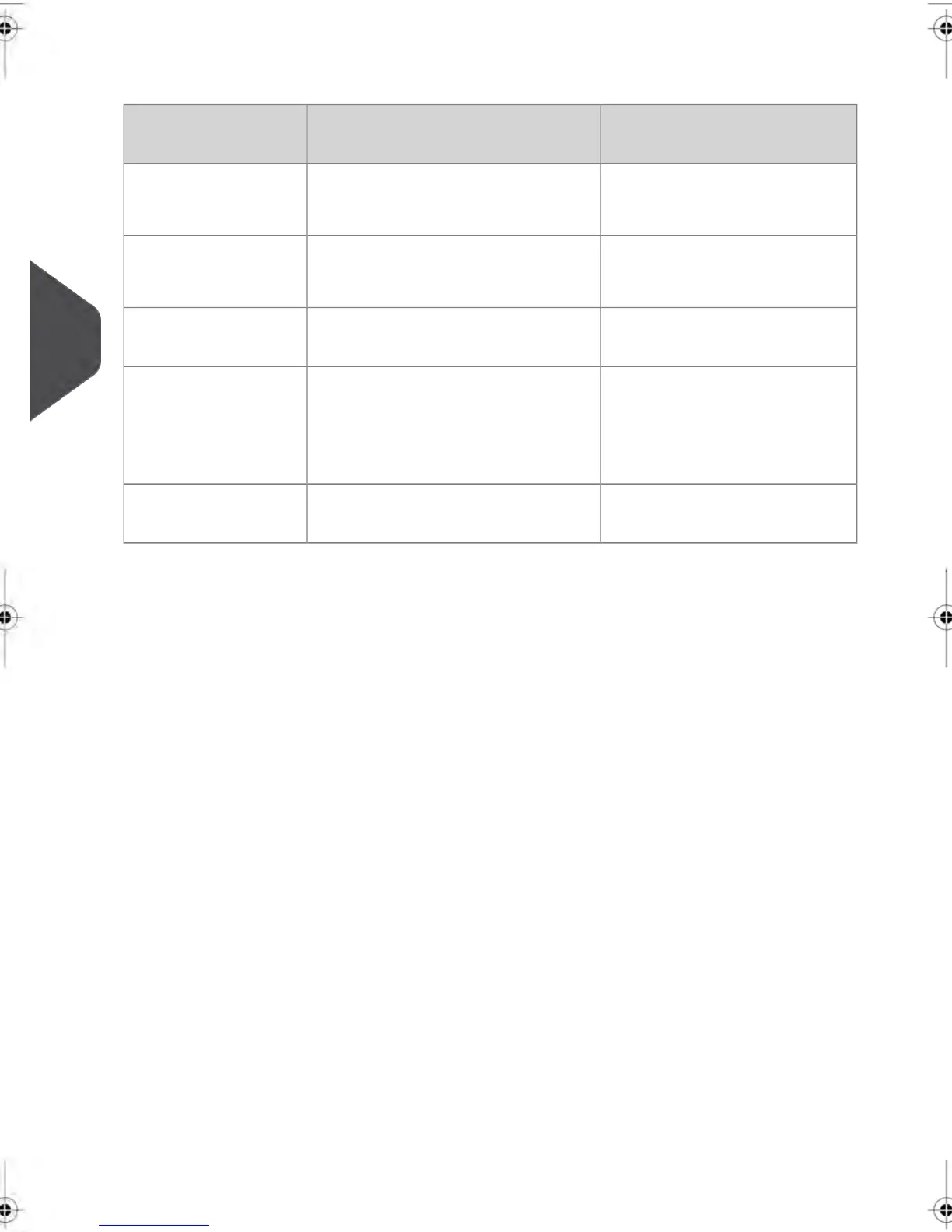
The table below summarizes the 'Account mode' options available and the function of each
option, on the user and supervisor points of view.
Action required to access
the system
FunctionAccount mode
Unlimited access to the systemNo postage tracking
No access control
'No Account'
Type a PIN code (shared by all
users) to log in
No postage tracking
Protects access to the system
'No Account with
Access Control'
Select the account to charge
postage
Tracks postage by Account/Depart-
ment
'Accounts'
Type a PIN code to log in
Select the account to charge
postage
Tracks postage by Account/Depart-
ment
Controls access to system and to
accounts
'Accounts with Ac-
cess Control'
(same as modes with accounts
listed above)
Postage tracking and access con-
trol managed from the PC
'Remote Account
Management'
90
| Page 90 | feb-14-2014 12:06 |
5
Managing Accounts and Assigning Rights



 To Next Page