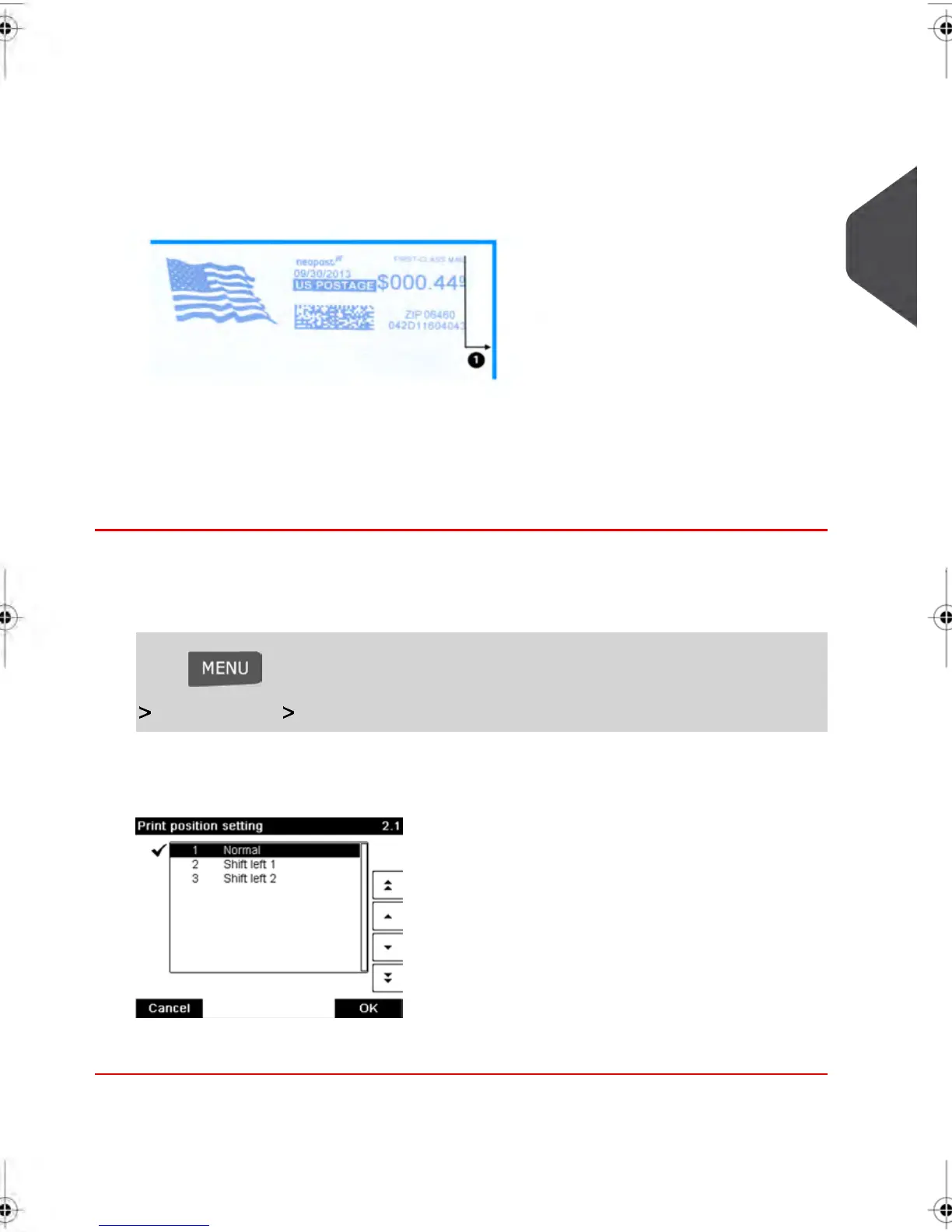
Moving the Stamp (Print Offset )
You can move the stamp away from the edge of the envelope when printing on thick
envelopes with rounded edges.
1 - Imprint printing offset
How to Move the Stamp (Print Offset)
To add an offset to the stamp position:
1. As a user:
Press and type 2.1 or select the path:
Job settings Print position
The Print position setting screen is displayed.
2. Select the offset and press [OK] to validate.
3
Processing Mail
71
| Page 71 | feb-14-2014 12:06 |



 To Next Page