Changing the Ink Cartridge
The Power cord must be plugged in to move the cartridge into the
'replacement' position.
How to Change the Ink Cartridge
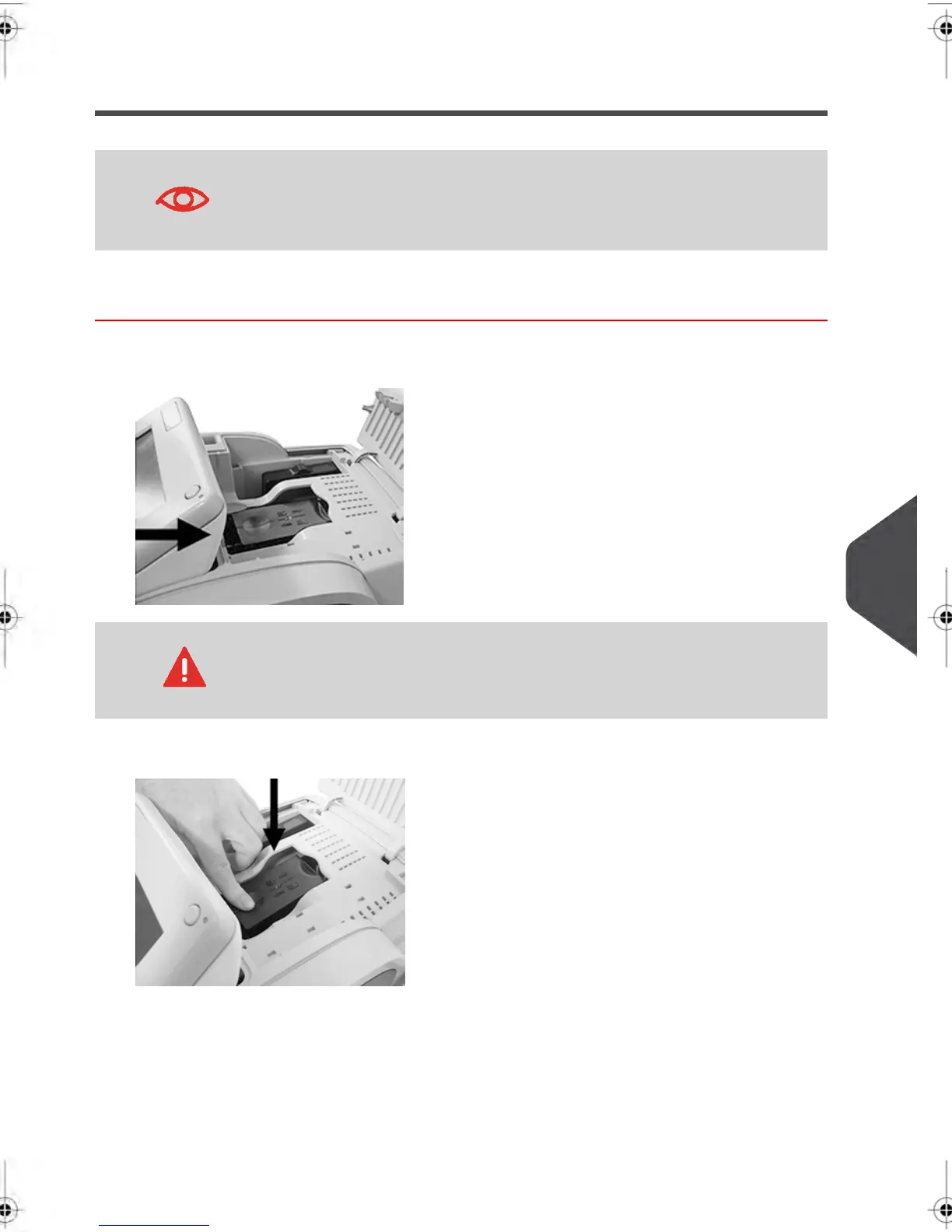
1. Open the cover: the ink cartridge moves to the replacement position.
Keep fingers away from the ink cartridge while it is moving to the
replacement position.
2. Press down on the back of the ink cartridge to disengage it.
10
Maintaining your Mailing System
209
| Page 209 | feb-14-2014 12:06 |



 To Next Page