How to Re-Date Mail (Settings)
Required settings:
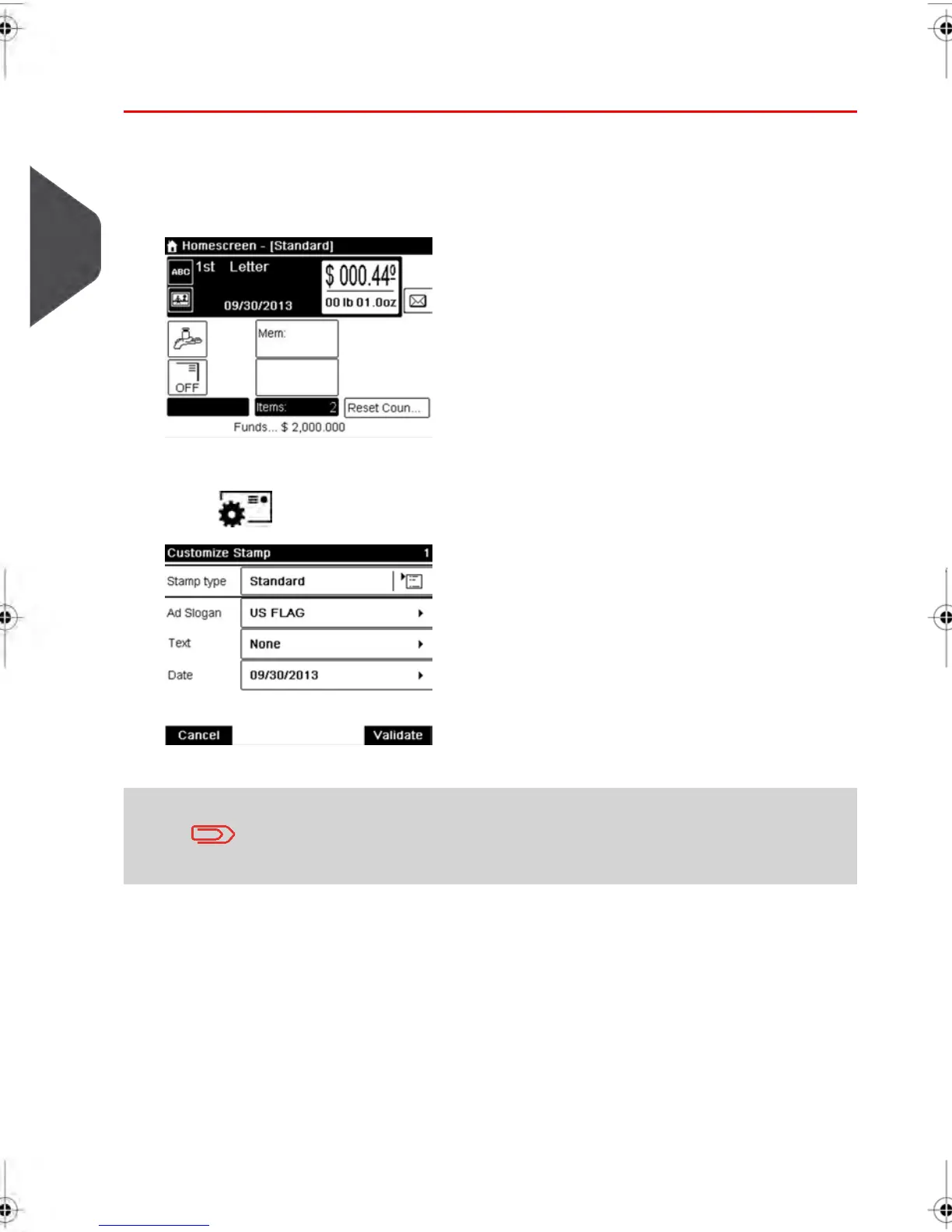
1. Make sure you are on the home screen of the [Standard ] type of stamp
. The type of stamp is indicated at the top of the home screen as illustrated below.
2. Check or change the type of stamp .
Press to access the Customize stamp screen:
To select an option in the screen , use related keys located on
right hand side of display.
50
| Page 50 | feb-14-2014 12:06 |
3
Processing Mail



 To Next Page