Adding Text and/or Ad Die to the Stamp
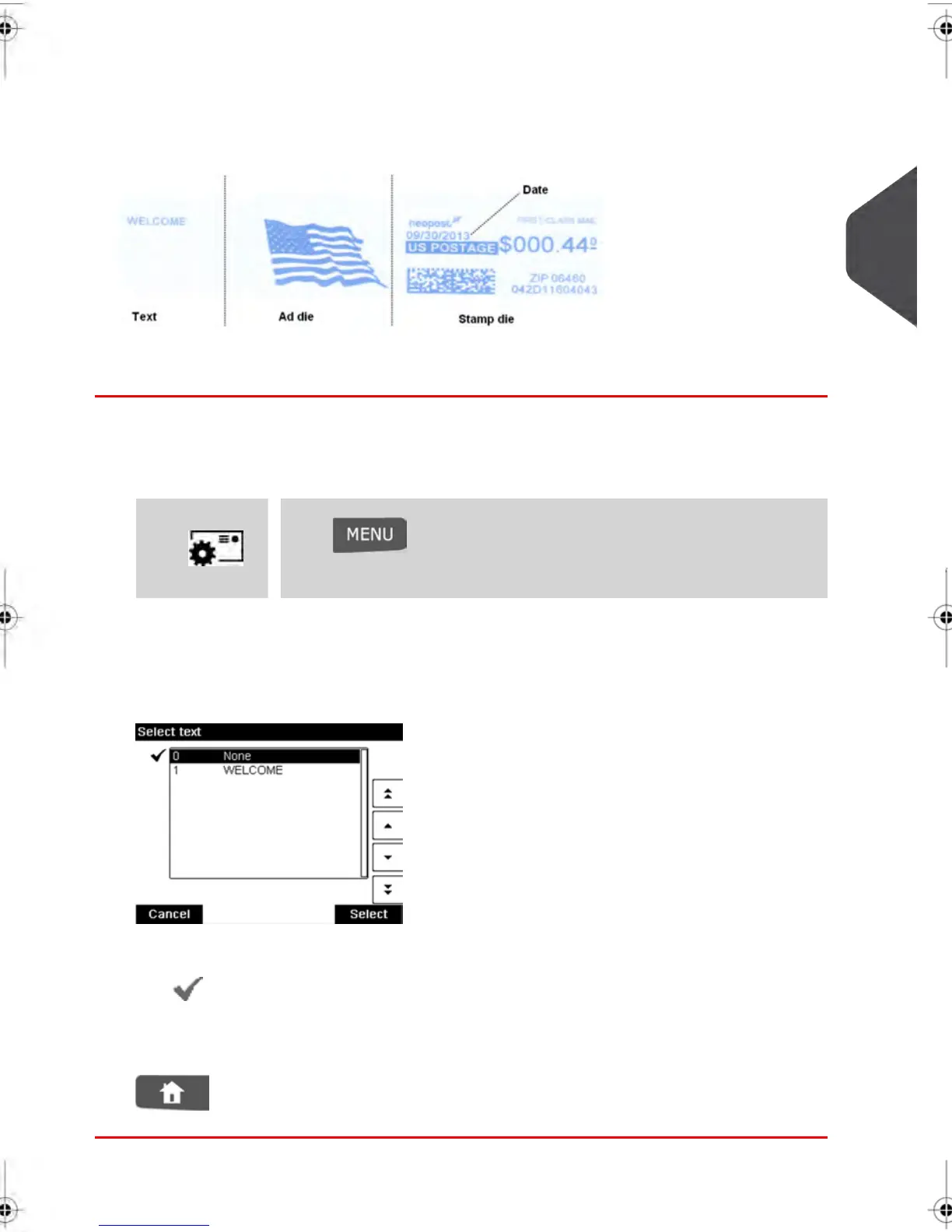
You can add a text and/or an ad die to the stamp, as illustrated below.
How to Add (or Cancel) a Text on the Stamp
To add a text to the stamp, or to cancel the text:
1. Either:
Press and type 1 or select the path:
> Customize stamp
Press or
2. Select Text .
The Select text screen is displayed.
3. Select the desired text in the list or select None for printing no text.
The icon indicates the current selection.
4. Press [OK] to validate your selection.
The Customize stamp screen is displayed with updated parameters (home screen:
).
3
Processing Mail
69
| Page 69 | feb-14-2014 12:06 |



 To Next Page