Filling the Label Dispenser
How to Fill the Automatic Label Dispenser
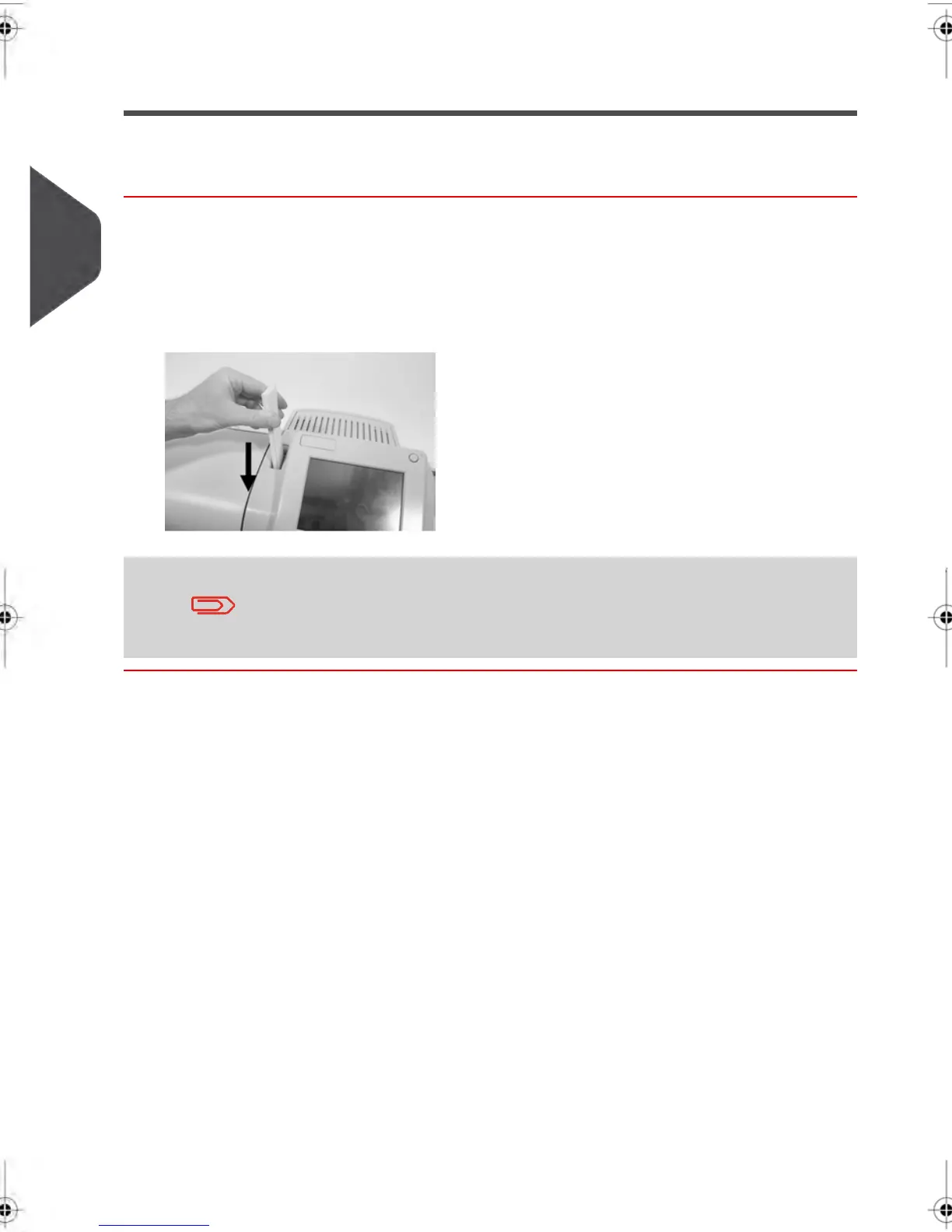
To fill the Label Dispenser:
1. Stack the labels and insert them in the dispenser, face to print on the right-hand side
and peel-off tab on the top.
2. Push the block of labels down until you feel the label “click” into position.
The Label Dispenser can hold up to 40 labels.
76
| Page 76 | feb-14-2014 12:06 |
3
Processing Mail



 To Next Page